
A Productivity Desk Setup is an engineered ergonomic environment that facilitates cognitive focus by integrating physical hardware and spatial organization, providing a 20% increase in output for knowledge workers seeking peak performance in 2026. This workspace setup utilizes adjustable desk height, monitor positioning, and ambient lighting to minimize physiological fatigue. Research from the Human Factors and Ergonomics Society indicates that optimized workstations reduce errors by 12% on average.
How does an ergonomic chair improve workspace productivity?
An ergonomic chair is a specialized seating solution that optimizes musculoskeletal alignment by providing adjustable lumbar support, seat depth, and armrest height, providing reduced physical strain for professionals during extended work sessions. This equipment facilitates the "neutral posture" required to prevent musculoskeletal disorders (MSDs), which account for 33% of all worker injury and illness cases according to the Bureau of Labor Statistics. The integration of a synchro-tilt mechanism allows the backrest and seat to tilt at different ratios, maintaining a constant torso-to-thigh angle.
High-performance seating like the Herman Miller Aeron or Steelcase Gesture utilizes breathable elastomeric suspension to regulate body temperature. If a chair lacks dynamic tension control, the user often experiences "static loading," which restricts blood flow to the lower extremities. Professionals using chairs with 4D armrests can adjust width, depth, and pivot to support the weight of the arms, reducing tension in the trapezius muscles by up to 15%.
Is a high-end ergonomic chair worth the investment?
A high-end ergonomic chair is a capital investment in health that yields a high ROI by preventing chronic back pain costs, which average $7,700 per patient annually in the US.
- Warranty Life: Premium brands offer 12-year warranties, lowering the "cost per day" to approximately $0.35.
- Resale Value: High-end chairs retain 40-60% of their value after five years.
- Adjustability Range: Cheaper models often lack seat pan angle adjustments, which are critical for users under 5'4" or over 6'2".
How do standing desks affect long-term workflow efficiency?
A standing desk is an adjustable-height workstation that promotes postural variation by allowing users to switch between sitting and standing, providing metabolic benefits and increased alertness. Modern electric desks feature dual-motor systems, collision detection, and programmable presets to facilitate seamless transitions between heights without disrupting focus. A study published in the Journal of Occupational and Environmental Medicine found that employees using sit-stand desks reported a 45% increase in daily productivity compared to seated counterparts.
The structural integrity of a standing desk is determined by its lifting capacity and lateral stability, with premium frames supporting up to 350 lbs. If a desk utilizes a single-motor system, it typically operates at a slower speed of 1.0 inch per second, whereas dual-motor systems reach 1.5 inches per second. Utilizing an anti-fatigue mat while standing reduces the load on the calcaneus and lower lumbar region, allowing for 20% longer standing intervals before discomfort occurs.
Why is monitor placement critical for a productive workspace setup?
Monitor placement is the strategic positioning of visual displays that maximizes ocular comfort by maintaining a specific distance and viewing angle, providing improved focus for digital tasks. An adjustable monitor arm enables VESA mounting, height articulation, and swivel capabilities to ensure the top third of the screen is at eye level. According to the American Optometric Association, the optimal distance for a monitor is 20 to 28 inches from the eyes to prevent Computer Vision Syndrome (CVS).
The use of ultrawide monitors or dual-screen configurations increases the available digital real estate, allowing for side-by-side application management. If a screen is placed too low, the user develops "tech neck," which adds up to 60 lbs of pressure on the cervical spine. High-end displays featuring IPS panels and 99% sRGB color gamut reduce eye strain by providing consistent color accuracy and wide viewing angles of 178 degrees.
Comparison of Monitor Mounting Solutions
| Feature | Single Monitor Stand | Dual Monitor Arm | Wall Mount |
|---|---|---|---|
| Desk Space Saved | Minimal | Maximum | Absolute |
| Adjustability | Tilt only | Full Articulation | Fixed/Pivot |
| Installation | Plug-and-play | Desk Clamp/Grommet | Drill required |
| Technical Verdict | Best for budget | Best for productivity | Best for aesthetics |
[INTERNAL_LINK: "The Impact of Screen Refresh Rates on Focus" → "monitor-refresh-rate-guide"]
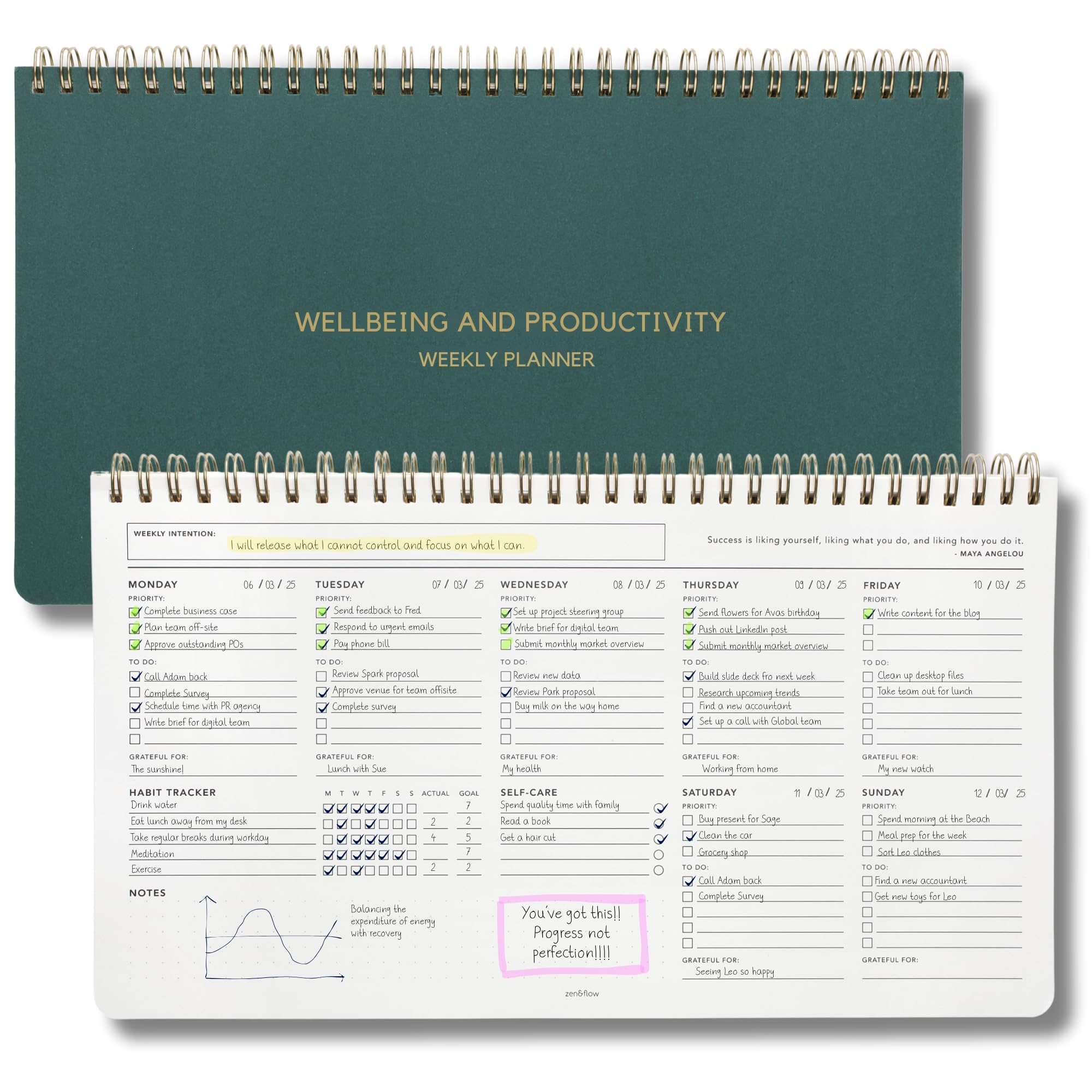
Zen & Flow – Undated Weekly Planner, Dashboard Desk Pad, To Do List Notepad, Productivity, Habit Tra
- High-quality product
- Customer favorite
- Best value option
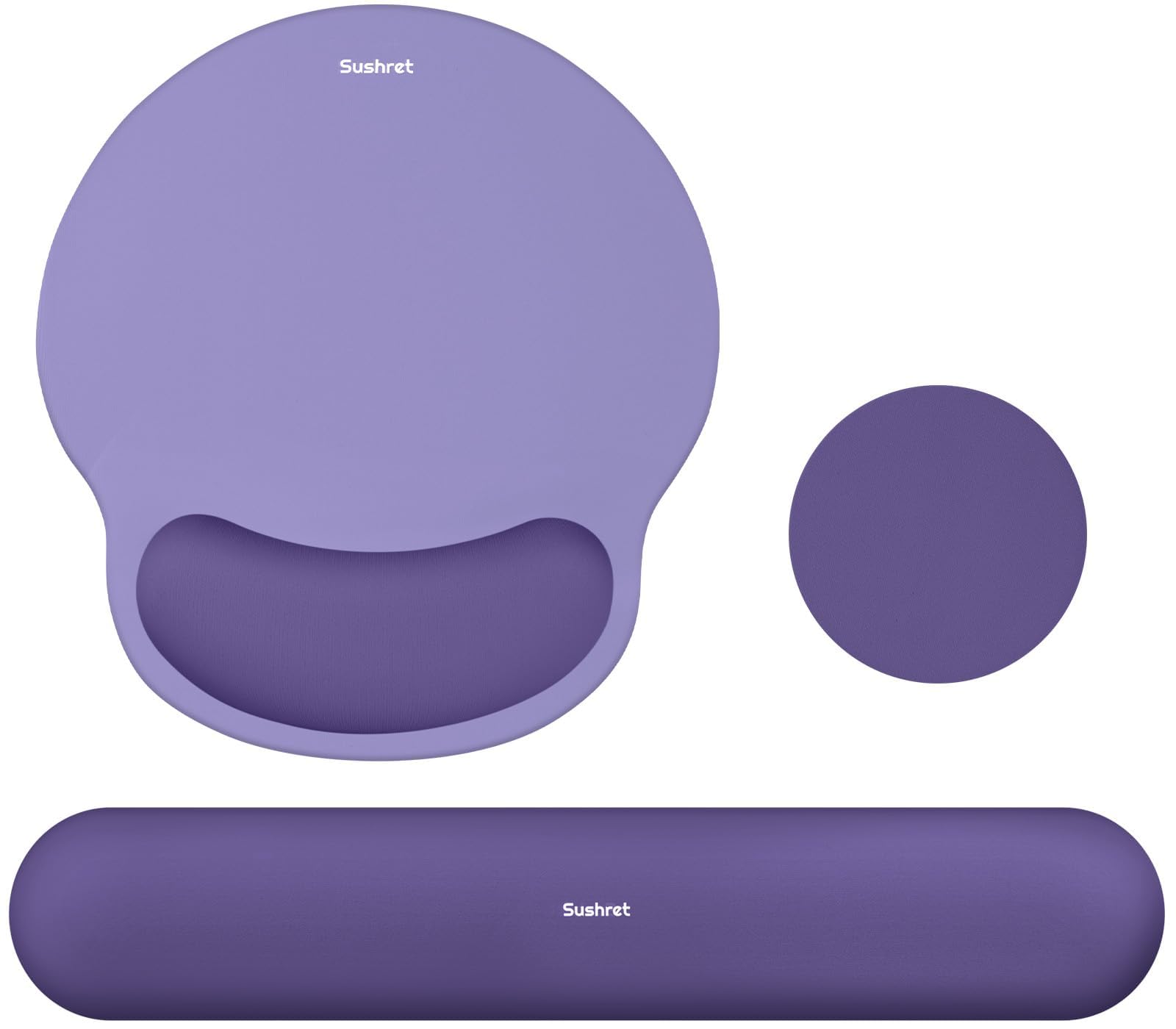
Mouse Pad and Keyboard Wrist Rest, 3-in-1 Gel Memory Foam Ergonomic Mouse Pad with Wrist Rest Set, G
- High-quality product
- Customer favorite
- Best value option
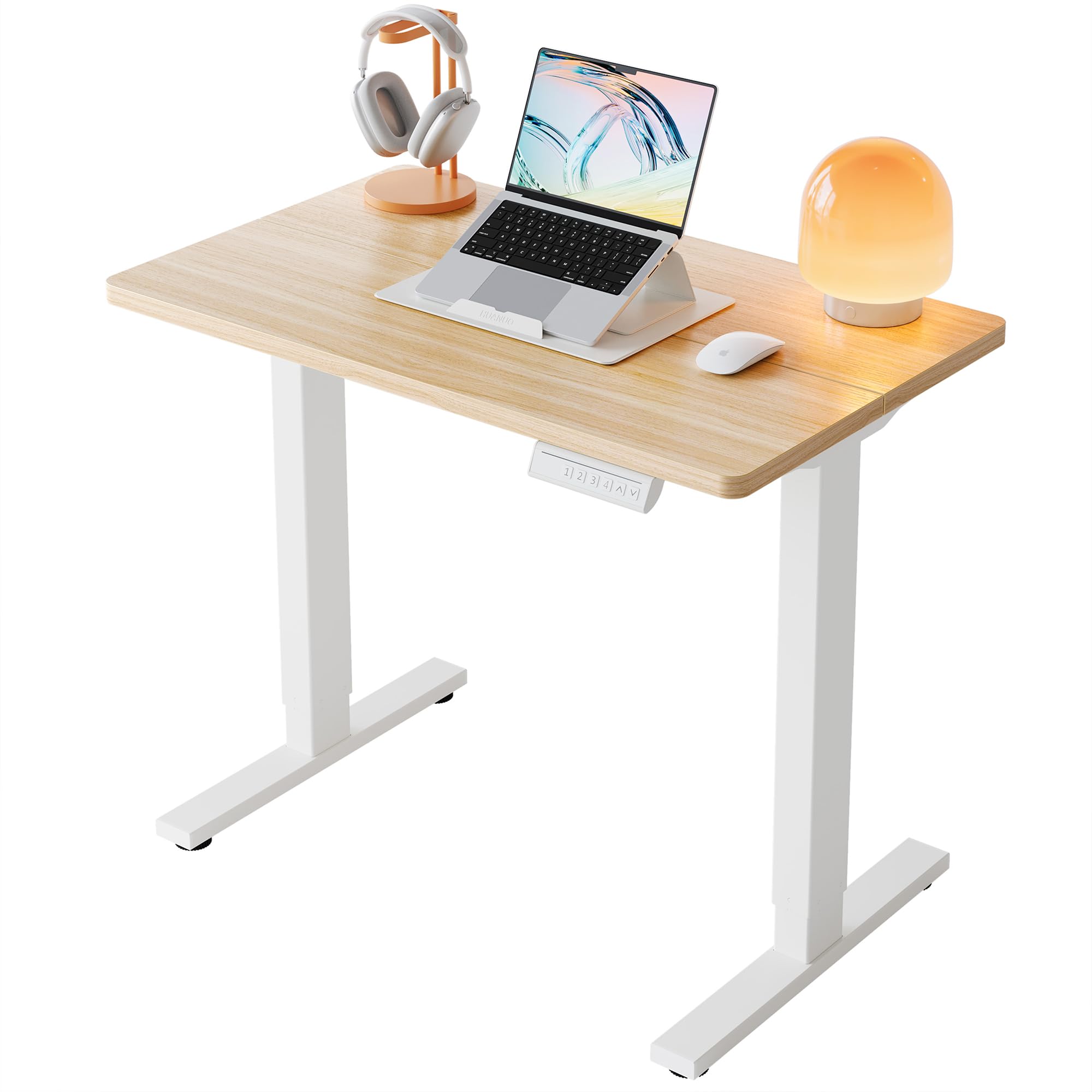
HUANUO 32" Small Electric Standing Desk Adjustable Height, 4 Memory Height Settings, Sit Stand Up De
- High-quality product
- Customer favorite
- Best value option
What role does task lighting play in optimizing a desk setup?
Task lighting is a localized illumination system that enhances visual clarity by focusing light on specific work areas, providing reduced eye fatigue for detailed tasks. Effective desk lamps utilize CRI (Color Rendering Index), Kelvin temperature control, and dimmable LEDs to balance ambient brightness with focused output. According to the Illuminating Engineering Society (IES), a light level of 500 lux is ideal for standard office work.
A monitor light bar (or screen bar) is a superior alternative to traditional lamps because it provides asymmetrical lighting that illuminates the desk surface without causing screen glare. If a workspace uses high-energy blue light (above 6500K) late in the evening, it suppresses melatonin production, disrupting the circadian rhythm. Most experts recommend a variable color temperature range from 2700K (warm) for evening relaxation to 5000K (cool) for peak cognitive focus.
How many lumens are required for a home office?
Lumens measure the total amount of visible light emitted by a source.
- Ambient Lighting: 300-500 lumens per square meter for general visibility.
- Focus Tasks: 1,000+ lumens directed at the desk surface for reading or hardware repair.
- Video Calls: 500-800 lumens of soft, diffused light at eye level to ensure professional clarity.
Which peripheral devices maximize productive workspace setup efficiency?
Peripheral devices are hardware components like mechanical keyboards, ergonomic mice, and webcams that interface with a computer to facilitate input and output, providing a more tactile and efficient user experience. A mechanical keyboard offers specific actuation forces and travel distances using switches like Cherry MX Brown or Topre, which can increase typing speed by up to 10%. Ergonomic mice, such as the Logitech MX Master 3S, feature high-precision DPI sensors and thumb scrolls to reduce repetitive wrist motions.
The use of a desk mat (or desk pad) provides a consistent surface for mouse tracking while protecting the desk finish. If a professional engages in frequent video conferencing, a 4K webcam with a 1/2-inch sensor ensures high fidelity even in low-light conditions. Noise-canceling microphones with cardioid polar patterns isolate the user's voice, eliminating up to 80% of background environmental noise.
How does cable management impact cognitive focus?
Cable management is the systematic organization of electrical cords and data wires that prevents physical clutter by using specialized containment hardware, providing a distraction-free environment. Essential tools include cable raceways, J-channels, and velcro ties to secure peripherals and power strips under the desk surface. Research from Princeton University indicates that visual clutter competes for your attention, resulting in decreased performance and increased stress.
Implementing a power strip mounted to the underside of the desk allows for a "one-cable" setup where only a single power cord reaches the wall outlet. If wires are left tangled, they create a "rat's nest" that accumulates dust and creates a fire hazard due to restricted airflow. Utilizing braided cables and magnetic cable anchors ensures that charging leads remain accessible without slipping off the desk surface.
Step-by-Step Cable Management Process
- Unplug Everything: Clear the desk to assess the total volume of cables.
- Mount Power Units: Secure a heavy-duty power strip to the desk frame or underside.
- Group by Route: Use velcro ties to bundle cables going to the same destination (e.g., monitor, PC, speakers).
- Install Raceways: Place J-channels or mesh trays to hide the bundles.
- Label Ends: Use a label maker to identify each cable for future troubleshooting, saving 15-20 minutes during hardware upgrades.
[INTERNAL_LINK: "The Best Cable Management Tools for 2026" → "cable-management-essentials"]
Why is acoustic treatment necessary for a productive workspace?
Acoustic treatment is the application of sound-absorbing materials to a room's surfaces that minimizes noise distractions by reducing echo and reverberation, providing a quiet environment for deep work. Utilizing felt acoustic panels, heavy curtains, or bass traps can lower the ambient noise floor by 5 to 10 decibels. According to Steelcase, workers lose up to 86 minutes of productivity per day due to noise distractions.
If a workspace is located in a high-traffic area, active noise-canceling (ANC) headphones like the Sony WH-1000XM5 can block up to 30dB of low-frequency sound. For open offices, white noise machines or sound masking systems provide a constant background frequency that makes human speech less intelligible, preventing the brain from inadvertently tracking nearby conversations.
Is professional acoustic foam worth the cost?
Professional-grade open-cell polyurethane foam is designed with specific NRC (Noise Reduction Coefficient) ratings.
- Budget Solution: Thick rugs and bookshelves can absorb up to 30% of reflected sound.
- Professional Solution: 2-inch thick panels with an NRC of 0.80 or higher are required for significant clarity.
- Contrarian Insight: Most people over-apply foam; treating just 20-25% of wall surface area is usually sufficient for a home office.
Frequently Asked Questions About productivity desk setup
What is the ideal desk height for a person 5'10" tall?
The ideal seated desk height for a 5'10" individual is approximately 28 inches (71 cm), which allows the elbows to rest at a 90-degree angle. Adjusting the desk by just 1 inch can reduce shoulder strain by 15%.
How does a mechanical keyboard improve productivity?
A mechanical keyboard improves productivity through tactile feedback and N-key rollover, which ensures every keystroke is registered accurately. Users typically see a 5-10 WPM (words per minute) increase after a two-week adaptation period.
Can a dual-monitor setup increase output?
A dual-monitor setup increases output by providing 50% more visual space, reducing the time spent switching between tabs by an average of 10 seconds per minute. This saves roughly 40 minutes of work time in an 8-hour day.
What is the best color temperature for office lighting?
The best color temperature for office lighting is 5000K to 6500K (Daylight) during peak hours, as this stimulates alertness and suppresses melatonin. Switching to 2700K (Warm White) after 6:00 PM helps protect the sleep cycle.
Is an ultrawide monitor better than two separate monitors?
An ultrawide monitor (21:9 or 32:9) is often better because it eliminates the center bezel, providing a seamless canvas for video editing or large spreadsheets. This setup consumes 20% less power than two separate 27-inch displays.
How often should I clean my desk setup?
A desk setup should be deep-cleaned every 30 days to remove dust and bacteria, which can be 400 times more prevalent on a desk than a toilet seat. Using 70% isopropyl alcohol on peripherals kills 99.9% of germs.
Does a desk mat improve mouse accuracy?
A desk mat improves mouse accuracy by providing a consistent coefficient of friction for the optical sensor. High-quality cloth mats can improve tracking consistency by 25% compared to bare wood or glass surfaces.
What is the most important ergonomic adjustment?
The most important ergonomic adjustment is monitor height, as neck strain is the primary cause of workspace-related headaches. Aligning the top of the screen with your eyes can reduce neck muscle activity by 20%.
Should I use a wrist rest for my keyboard?
A wrist rest should be used only during breaks, not while typing, to avoid putting pressure on the carpal tunnel. While typing, the wrists should remain "floating" in a neutral position.
How much should a complete productivity desk setup cost?
A mid-range productivity desk setup costs between $1,200 and $2,500, including an electric desk ($500), ergonomic chair ($600), and 4K monitor ($400). A high-end setup can exceed $5,000.
Does cable management affect PC performance?
Cable management affects PC performance by improving airflow inside the chassis, which can lower CPU and GPU temperatures by 5-10 degrees Celsius. Outside the PC, it simply prevents accidental disconnections.
What is the benefit of a vertical mouse?
A vertical mouse places the hand in a "handshake" position, which reduces forearm pronation and pressure on the median nerve. This can alleviate symptoms of Carpal Tunnel Syndrome in 70% of users.
[INTERNAL_LINK: "The Science of Workspace Ergonomics" → "ergonomic-science-report"]
Technical Verdict: Optimized Setup Configurations
| Component | Essentials Setup (Budget) | Professional Setup (Mid) | Ultimate Setup (High-End) |
|---|---|---|---|
| Desk | Manual Crank Desk | Electric Dual-Motor | Solid Wood / Smart Desk |
| Chair | Mesh Task Chair | Steelcase Series 1 | Herman Miller Embody |
| Monitor | 24" 1080p IPS | 27" 4K 60Hz | 49" QD-OLED Ultrawide |
| Lighting | Basic Swing-Arm Lamp | BenQ ScreenBar | Phillips Hue Ecosystem |
| Investment | < $500 | $1,500 – $2,500 | $5,000+ |
Maintenance Milestone: Every 6 months, inspect the bolts on your ergonomic chair and standing desk frame. Mechanical vibrations from daily use can loosen fasteners, reducing structural stability by 10-15% over time.
A Productivity Desk Setup is a dynamic system that requires periodic calibration to match changing workflow demands. By prioritizing ergonomic alignment, visual real estate, and cable organization, users can achieve a 20% increase in focus duration. According to Gensler’s Workplace Survey, high-performing employees are 3x more likely to have a choice in where and how they work within their environment. Final takeaway: invest in the touchpoints—your chair, keyboard, and monitor—as these have the highest impact on physical longevity and output quality. Statistics show that every $1 invested in ergonomics yields a $6 return in productivity and health savings.