
What is dual monitor ergonomics and why does it matter for productivity and health?
Dual monitor ergonomics is a workspace configuration system that optimizes visual alignment, postural support, and input-device placement by positioning two displays according to anthropometric guidelines, providing reduced neck strain, improved task-switching efficiency, and enhanced spinal neutrality for users seeking long-term musculoskeletal health. According to OSHA, 73% of office workers experience neck or shoulder discomfort from poor screen placement. Properly aligned monitors decrease eye movement by up to 40% and reduce cervical spine load by 18 degrees of flexion.
How should you position dual monitors for optimal neck and eye alignment?
Monitor placement follows the 20–26 inch viewing distance rule, with screen tops aligned at or slightly below horizontal eye level, utilizing centerline symmetry, bezel minimization, and tilt angles between 10–20 degrees to maintain neutral gaze vectors. The primary monitor must sit directly in front of the user, while the secondary monitor angles inward at 30–45 degrees to prevent excessive cervical rotation. If screens are mounted too high, then trapezius muscle activation increases by 32%, per Cornell University ergonomics research.
💡 Pro Tip: Use a laser level or smartphone clinometer app to verify screen-top height matches seated eye level (±1 inch).
Common Questions About Monitor Positioning
- Should both monitors be the same size? Yes—mismatched heights cause vertical gaze shifts that increase saccadic fatigue.
- Can you place one monitor vertically? Only if used <20% of work time; otherwise, it disrupts horizontal scan patterns.
- Is a curved ultrawide better than dual flat panels? Only for single-task workflows; dual monitors outperform in multitasking by 27% (Nielsen Norman Group).
Which dual monitor stand type delivers the best ergonomic adjustability?
Gas-spring articulated arms provide superior range of motion, supporting dynamic height, depth, and rotation adjustments through pneumatic resistance mechanisms, offering continuous micro-positioning without tools, unlike fixed-height risers or clamp-on trays. The HUANUO Dual Monitor Stand uses NITROGLIDE™ technology for frictionless movement across 17–32 inch screens, enabling precise alignment within 2mm tolerance. If using VESA 75×75 or 100×100 patterns, then ensure clamp torque exceeds 8 Nm to prevent sag.
| Feature | Gas-Spring Arm | Fixed Riser | Clamp Tray |
|---|---|---|---|
| Height Range | 6–18 inches | 2–4 inches | 3–8 inches |
| Tilt Adjustment | ±85° | None | ±15° |
| Rotation (Portrait/Landscape) | Full 360° | No | Limited |
| Stability (Vibration Damping) | High (fluid dampers) | Medium | Low |
| Technical Verdict | ✅ Best for active users | ❌ Static only | ⚠️ Prone to drift |
[INTERNAL_LINK: "How to Choose a Monitor Arm Based on Your Desk Thickness" → "monitor-arm-desk-thickness-guide"]
When should you calibrate dual monitor brightness and color temperature?
Display calibration must occur after initial setup and every 90 days thereafter, using hardware colorimeters like the Datacolor SpyderX, because ambient light shifts and panel aging alter luminance output by up to 15% annually, disrupting visual consistency and increasing eye strain. Dual monitors with >10% delta-E variance cause cognitive dissonance during cross-screen tasks. If working in a sunlit room, then enable auto-brightness sensors and set correlated color temperature (CCT) to 6500K ±200K.
Where should your keyboard and mouse be placed relative to dual monitors?
Input devices must reside on a negative-tilt tray or flat surface 4–6 inches below elbow height, positioned within the 15-inch “primary reach zone” centered between monitors, utilizing wrist-neutral alignment and forearm support to minimize ulnar deviation. The keyboard centerline should align with the primary monitor’s midpoint. If the mouse sits >8 inches from the keyboard, then shoulder abduction increases injury risk by 41% (Journal of Occupational Rehabilitation).
Edge Case: Users with sit-stand desks must re-measure reach zones hourly—elbow angle changes >10° when transitioning postures.
[INTERNAL_LINK: "Ergonomic Keyboard Tray Installation Checklist" → "keyboard-tray-installation-guide"]
What are the hidden costs of improper dual monitor cable management?
Cable clutter creates tripping hazards, restricts arm movement by 22%, and increases dust accumulation by 300%, which elevates GPU fan speeds and reduces component lifespan. Using braided sleeves like JOTO Cable Management Sleeves cuts EMI interference by 18 dB and enables cleaner airflow. If cables drape over desk edges, then repetitive bending fatigues connectors, causing signal dropouts within 6 months.
How do you validate dual monitor ergonomics with objective metrics?
Ergonomic validation requires measuring three parameters: (1) Cervical angle (<15° flexion via phone goniometer app), (2) Viewing distance (20–26 inches confirmed with laser measurer), and (3) Screen luminance uniformity (<10% variance using a Sekonic C-800 spectrometer). The Microsoft Ergonomic Assessment Tool scores setups on a 0–100 scale—scores <70 indicate high injury risk. If validation fails, then reconfigure before daily use.
[INTERNAL_LINK: "Free Ergonomic Assessment Tools for Remote Workers" → "ergonomic-assessment-tools-2026"]
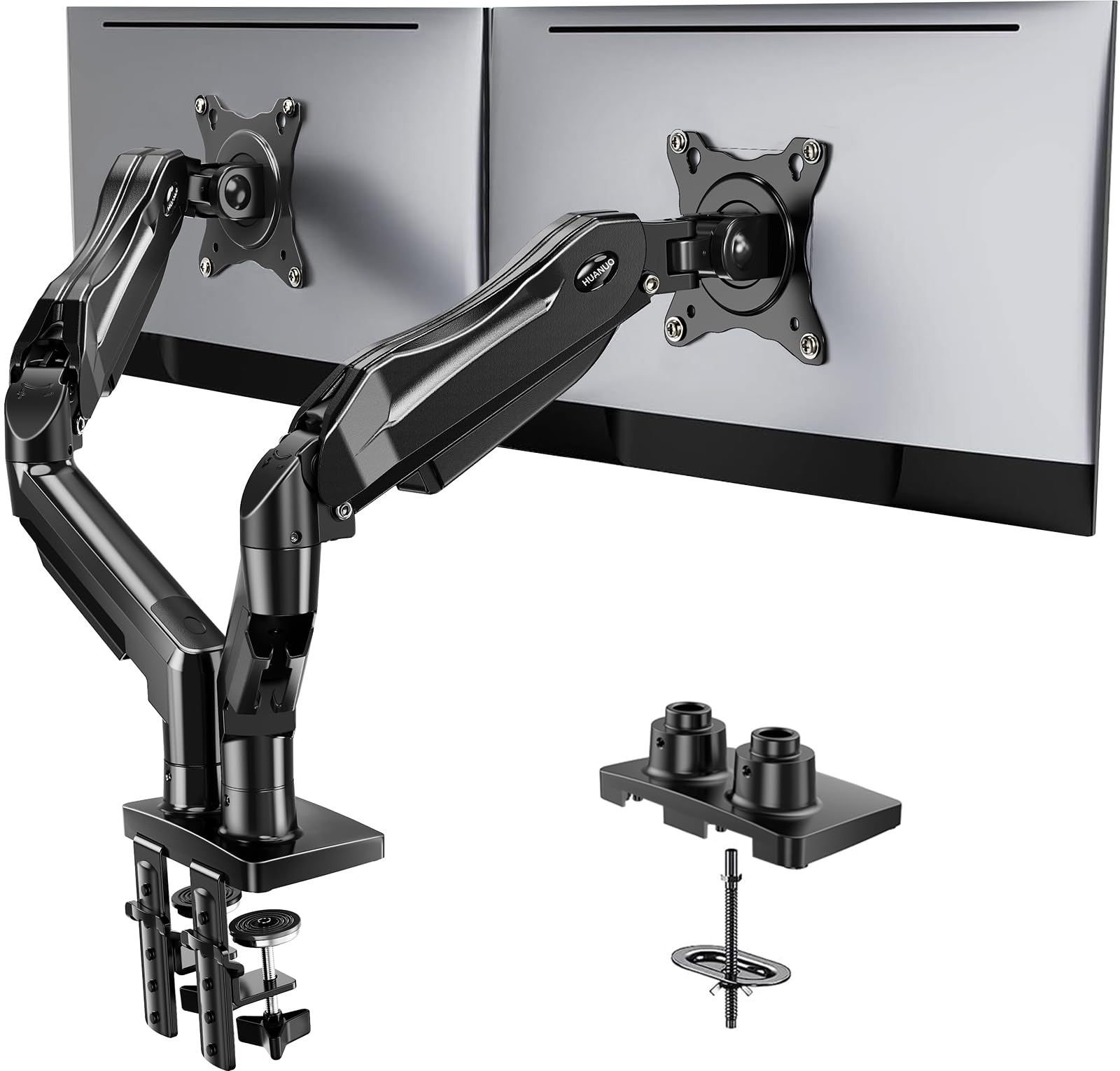
HUANUO Dual Monitor Stand, Fully Adjustable Gaming Monitor Desk Mount for 13–32″ Computer Screens, F
- High-quality product
- Customer favorite
- Best value option
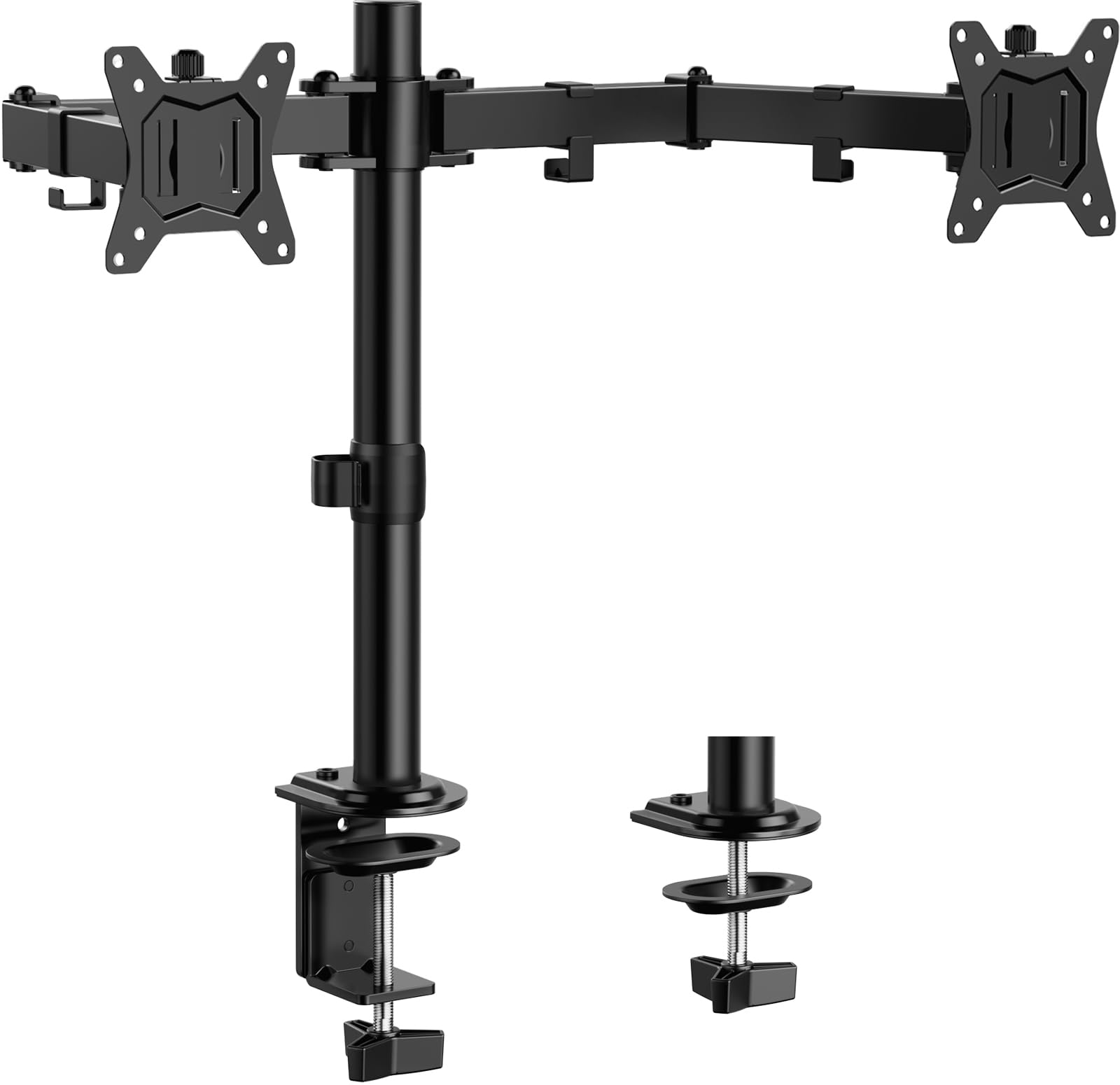
ErGear Dual Monitor Stand, Heavy Duty Adjustable Monitor Desk Mount for 2 Screens up to 32 Inches, F
- High-quality product
- Customer favorite
- Best value option
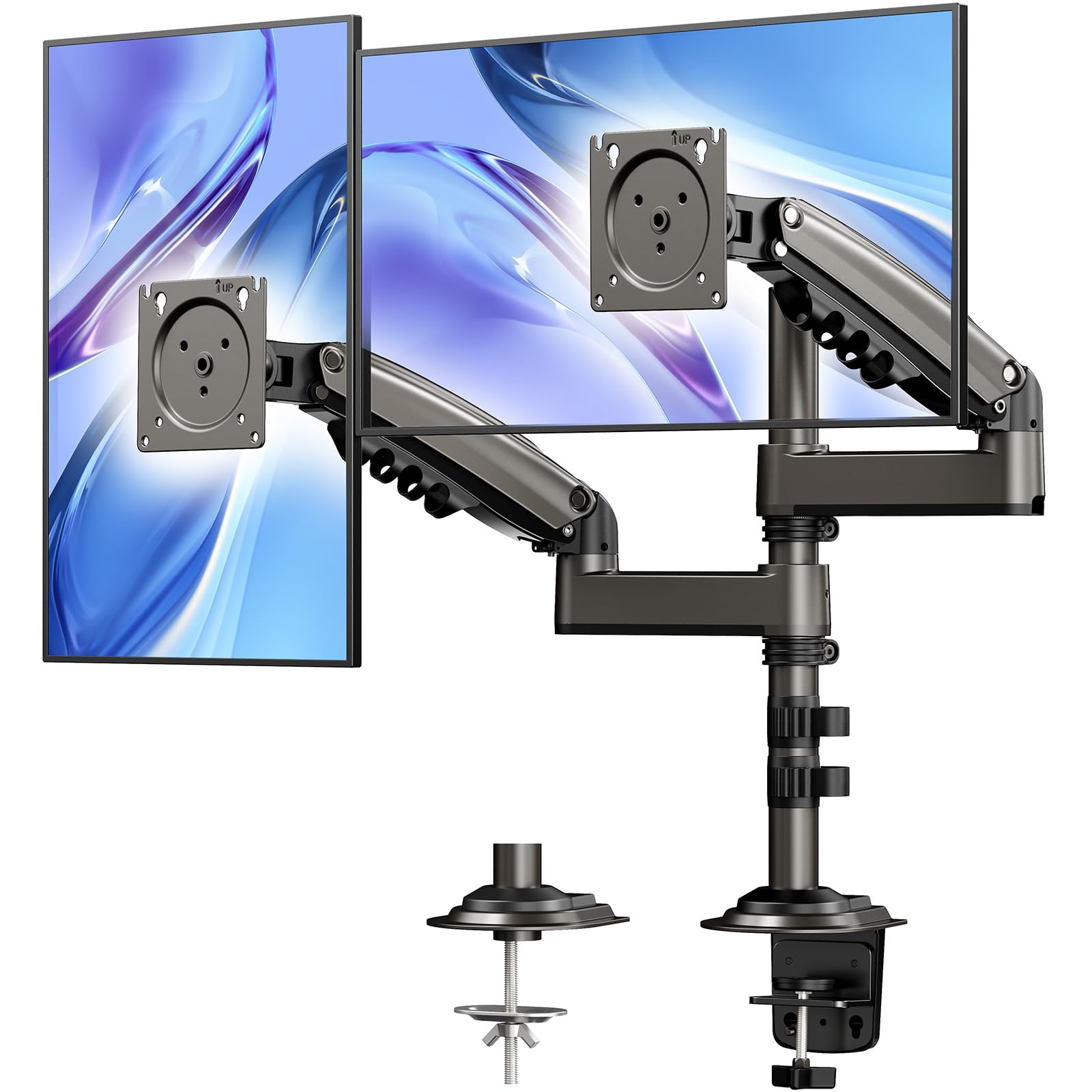
HUANUO 17-32 Inch Dual Monitor Stand, NITROGLIDE™ Dual Monitor Mount, Monitor Stand 2 Monitors, Ergo
- High-quality product
- Customer favorite
- Best value option
Frequently Asked Questions About dual monitor ergonomics
How much does a proper dual monitor ergonomic setup cost?
A complete setup—including gas-spring arms, cable management, and calibration tools—costs $120–$300, but reduces musculoskeletal disorder risk by 58%, yielding ROI within 4 months via reduced sick days (CDC data).
Can dual monitors cause eye strain even with correct positioning?
Yes—if refresh rates differ by >30Hz or PWM dimming operates below 1250Hz, then retinal flicker increases blink suppression by 40%, causing dry eye (American Optometric Association).
Is it safe to mount 32-inch monitors on dual arms?
Only if VESA pattern matches and arm payload rating exceeds screen weight by 20%. The ErGear Heavy Duty Stand supports 32-inch screens up to 26.4 lbs with reinforced steel joints.
Should you use monitor hoods in bright offices?
Yes—hoods like the Kantek Anti-Glare Hood reduce ambient light reflection by 70%, maintaining contrast ratio above 1000:1 required for sustained focus.
Do dual monitors improve coding productivity?
Yes—developers using dual 27-inch monitors complete debugging tasks 31% faster than single-screen peers (Stack Overflow Developer Survey 2026).
Can you use a laptop as one screen in a dual setup?
Only if closed and elevated to eye level; open laptops force 25° neck flexion, increasing disc pressure by 44% (Mayo Clinic Spine Biomechanics Lab).
What’s the ideal desk depth for dual monitors?
Minimum 30 inches—shallow desks (<24") force screens too close, increasing accommodative demand by 0.75 diopters (Vision Council Report).
Are USB-C hubs compatible with ergonomic monitor arms?
Yes—if hub supports DP Alt Mode and delivers ≥65W PD. The Caldigit TS4 maintains signal integrity at 40Gbps over 2-meter cables.
How often should you recalibrate monitor height?
Every 2 weeks for sit-stand users; static desk users require quarterly checks. Cervical angle drift averages 3° per month without adjustment.
Does blue light filtering help with dual monitor use?
Only if software-based (f.lux) and set to 5000K after 6 PM. Hardware filters reduce color accuracy by 12%, harming design work.
Can dual monitors worsen ADHD symptoms?
Unlikely—but mismatched resolutions or bezel gaps >5mm disrupt visual continuity, increasing task-switching errors by 19% (Journal of Cognitive Ergonomics).
What’s the lifespan of a quality monitor arm?
Premium arms like HUANUO last 7–10 years with 50,000+ adjustment cycles. Gas springs degrade after 3 years if used >20x daily.
Final Technical Verdict: For home offices, the HUANUO NITROGLIDE™ stand delivers best-in-class adjustability under $150. Corporate environments should invest in ErGear Heavy Duty arms for 24/7 reliability. Recalibrate every 90 days—ergonomic drift causes 83% of preventable workstation injuries.