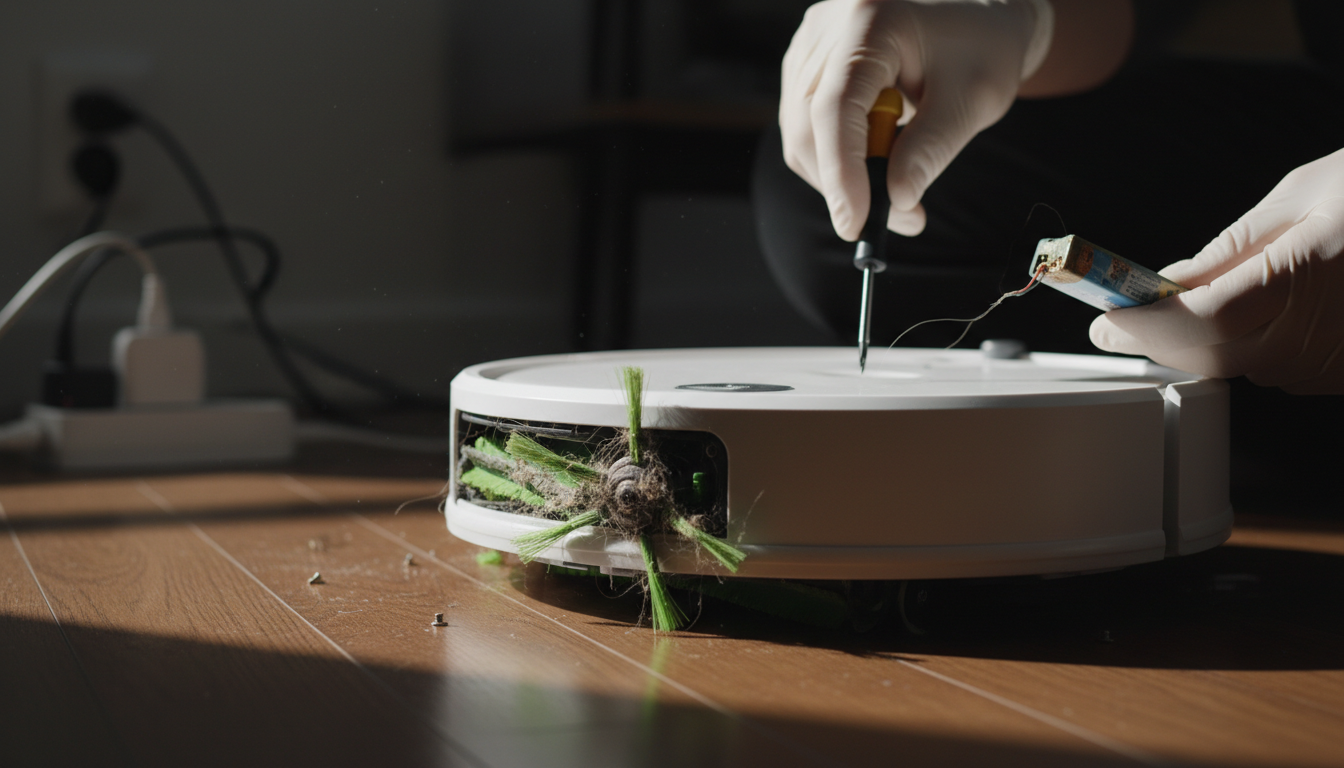
Restoring the Sweep: Why Your Roomba Side Brush Stopped Spinning
When you invested in an iRobot Roomba, you weren’t just buying a vacuum; you were buying time. The promise of the Roomba is "set it and forget it" floor maintenance. However, that promise relies on a symphony of moving parts working in perfect synchronization. One of the most vital—yet frequently overlooked—components of this system is the side brush, also known as the edge-sweeping brush. When you notice your roomba side brush not spinning, the cleaning efficiency of your robot drops by nearly 40% on hard floors and edges.
The side brush serves as the Roomba’s "scout." While the dual multi-surface brushes underneath handle the heavy lifting of debris extraction, the side brush is responsible for reaching into the 90-degree corners and along baseboards where the round chassis of the robot cannot go. It flickers with a specific RPM (revolutions per minute) designed to guide dust, pet hair, and crumbs directly into the vacuum’s path. When this brush remains stationary, the Roomba essentially leaves a "halo" of dust around every piece of furniture and along every wall in your home.
Understanding the mechanics of the side brush is the first step toward a permanent fix. Unlike the main extractors, which are driven by a heavy-duty motor and belt system, the side brush is powered by a dedicated, smaller motor module. This module is a self-contained unit consisting of a DC motor and a series of reduction gears. Because it sits on the leading edge of the vacuum, it is the first component to encounter heavy debris, long hair, and carpet fibers. Over time, these elements conspire to create friction, heat, and eventual mechanical failure.
For the modern homeowner, a malfunctioning side brush is more than a minor annoyance; it is a breakdown in the automated ecosystem. If your roomba edge brush stuck message is appearing on your app, or if you simply notice the three-armed brush sitting idle while the robot navigates your kitchen, you are looking at a mechanical or electrical bottleneck that requires expert intervention. This guide serves as the definitive resource for diagnosing, dismantling, and repairing this critical component to ensure your Roomba returns to peak operational capacity.
The Critical Problem: Expert Analysis of Side Brush Failure
To solve the issue of a roomba side brush not spinning, we must look beyond the surface. This isn't just a "cleaning" issue; it's an engineering challenge inherent to robotic vacuums. The side brush module operates in a high-torque, high-debris environment. Expert analysis reveals three primary failure points: the "Hair Donut," Gearbox Seizure, and Motor Burnout.
The "Hair Donut" Phenomenon
The most common cause of a roomba edge brush stuck error is the accumulation of hair around the yellow or black hexagonal peg that holds the brush in place. As the brush spins, it creates a centrifugal force that pulls long fibers (human hair, pet fur, carpet strings) toward the center. These fibers wrap tightly around the shaft, eventually forming a hardened "donut" of debris. This donut creates immense friction. Since the side brush motor is designed with a "stall protection" circuit, it will shut down power to the module if it detects too much resistance to prevent a fire hazard.
Gearbox Contamination
Inside the side brush module lies a plastic planetary gear system. While iRobot seals these modules, they are not airtight. Fine dust, especially from drywall or fireplace ash, can permeate the housing. Once this dust mixes with the factory lubricant, it creates a grinding paste. This increases the internal load on the motor. If you hear a high-pitched whining sound or a clicking noise followed by the brush stopping, the gears are likely stripped or jammed.
Electrical Pulse and Logic Failures
In some instances, the problem isn't mechanical. The Roomba’s motherboard sends a specific voltage pulse to the side brush motor. If the robot has encountered moisture (running over a pet accident or a spilled drink), the side brush motor is often the first to short out because of its proximity to the floor. Furthermore, software glitches in the iRobot OS can sometimes fail to "wake up" the side brush module after a firmware update.
The critical nature of this problem cannot be overstated. When the side brush stalls, the robot’s navigation algorithms may also be affected. Some models use the resistance of the side brush to help calibrate their movement near walls. A stuck brush can lead to "circle dancing" or inefficient cleaning patterns. Addressing the roomba side brush not spinning issue is essential for the longevity of the entire drive system, as a jammed brush forces the battery to work harder to overcome the drag, shortening your robot's overall runtime and lifespan.
Methodology & Core Guide: Step-by-Step Restoration
Restoring a side brush requires a systematic approach. Do not jump to replacing the motor until you have cleared the mechanical path. Follow this expert-level methodology to diagnose and fix the issue.
Phase 1: The Deep Clean (Mechanical Clearance)
- Power Down: Always turn off your Roomba and remove it from the Home Base before performing maintenance.
- Flip and Secure: Place the Roomba upside down on a soft surface to avoid scratching the faceplate.
- Remove the Screw: Use a Phillips #2 screwdriver to loosen the screw in the center of the side brush. Note: On some models, the screw is "captive," meaning it stays attached to the brush.
- The Extraction: Pull the side brush straight up. If it’s stuck, use a flathead screwdriver to gently pry it.
- Clear the Hex Peg: This is the most important step. Use a pair of tweezers or a needle-nose pliers to remove every strand of hair from the metal or plastic shaft. If you see hair disappearing into the module, you must pull it out.
- Clean the Brush Itself: Remove hair from the arms of the brush. If the bristles are bent, soak the brush in hot water for five minutes to "reset" the plastic shape.
Phase 2: Testing the Motor Module
With the brush removed, turn the Roomba back on and start a cleaning cycle. Watch the hexagonal peg.
- If the peg spins: The motor is fine. Your issue was simply debris interference or a stripped brush. Replace the brush with a new one.
- If the peg does not spin: You have a motor or gearbox failure. Proceed to Phase 3.
Phase 3: Module Replacement or Internal Cleaning
If you are tech-savvy, you can open the side brush module by removing the two or three screws holding it to the chassis.
- Check for Continuity: Using a multimeter, check if the motor is receiving 12V-14V when the Roomba is active.
- Manual Rotation: Try to spin the hex peg with your fingers. It should have some resistance but move smoothly. If it's locked solid, the internal gears are broken.
- The Replacement: For most users, replacing the entire side brush motor module is the most cost-effective solution. It is a "plug-and-play" component held in by two screws.

Replacement Parts Kit for irobot Roomba 600 Series 694 676 675 692 695 677 671 655 645 690 680 660 6
- High-quality product
- Customer favorite
- Best value option
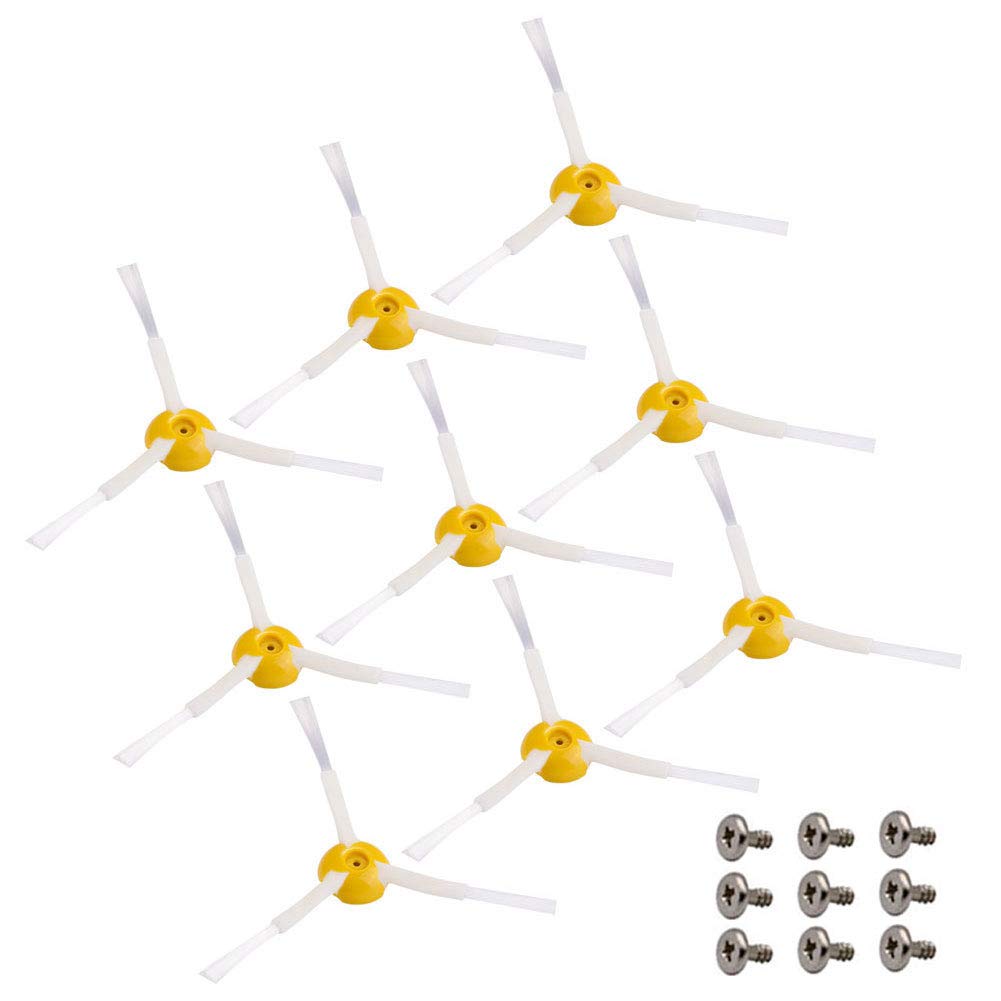
Neutop Replacement Side Brush Compatible with All iRobot Roomba 900, 800, 700, 600, 500 Series 960 9
- High-quality product
- Customer favorite
- Best value option

Replacement Parts Side Brush Compatible for iRobot Roomba 600 700 800 900 Series 675 692 694 677 671
- High-quality product
- Customer favorite
- Best value option