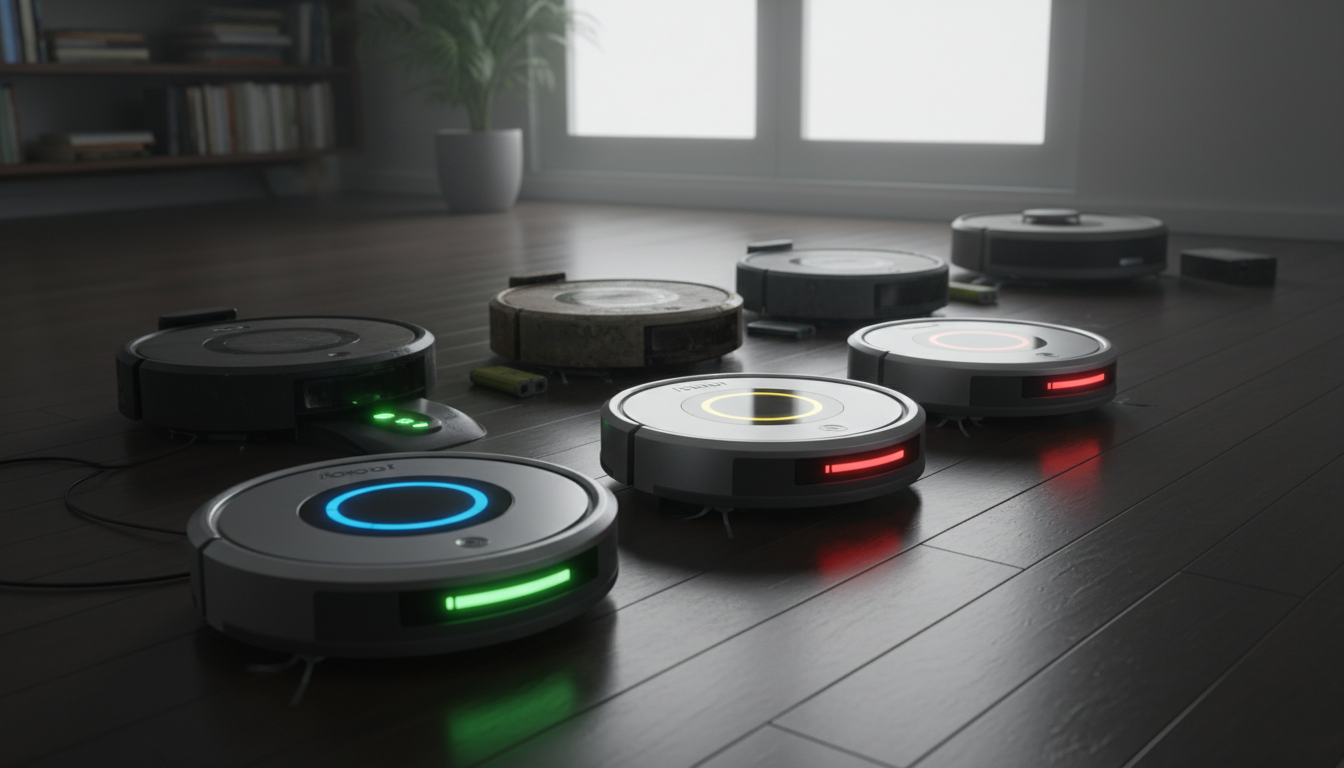
Understanding the Heart of Your Robot: Why Roomba Battery Life Matters
When you first unboxed your iRobot Roomba, it felt like the future had finally arrived. A silent partner in home maintenance, it promised to reclaim your weekends and keep your floors pristine without a second thought. However, as any long-term owner knows, the machine is only as capable as the energy cell powering its motors. The question of how long do Roomba batteries last is not merely a matter of minutes per cleaning cycle; it is a fundamental inquiry into the total cost of ownership and the operational efficiency of your smart home ecosystem.
The battery is the most critical consumable component within your vacuum. Unlike the brushes or filters, which show their wear through visible debris or reduced suction, battery degradation is a silent, chemical process. It begins the moment the robot is first charged and continues through every mission and every hour spent idling on the Home Base. For the uninitiated, the sudden decline in performance—where a Roomba that once covered the entire downstairs now limps back to its dock after twenty minutes—can be a source of immense frustration.
To understand roomba battery life, one must first acknowledge that iRobot has utilized two distinct chemistries over the years: Nickel-Metal Hydride (NiMH) and Lithium-Ion (Li-ion). The older 500, 600, and 700 series often relied on the yellow NiMH packs, which were robust but prone to "memory effect" and higher self-discharge rates. Modern iterations, such as the i7, s9, and j7 series, utilize advanced Li-ion technology. These newer cells offer higher energy density and a more consistent power curve, but they are not immortal. They are subject to the laws of thermodynamics and chemical exhaustion.
In this guide, we are going to peel back the plastic casing and look at the engineering reality of these power cells. We will explore why some users get four years of service while others are shopping for replacements after twelve months. We will bridge the gap between "marketing runtime" and "real-world longevity," ensuring you have the expert knowledge required to maximize every milliampere-hour (mAh) your Roomba has to offer. This isn't just about cleaning floors; it’s about maintaining the heartbeat of your home automation.
The Critical Problem: The Silent Decay of Electrochemical Potential
The primary issue facing every Roomba owner is the inevitable reality of chemical degradation. While we perceive a battery as a simple storage tank for electricity, it is actually a volatile, living chemical reactor. The "Critical Problem" with Roomba batteries—and the reason many fail prematurely—is a combination of thermal stress, depth of discharge (DoD), and "parasitic" idle drain.
The Thermal Trap
Heat is the absolute enemy of battery longevity. During a standard cleaning cycle, the Roomba’s vacuum motor, side brushes, and drive wheels generate significant internal heat. Simultaneously, the battery is discharging at a high rate to meet this demand. When the robot returns to the dock, it immediately begins a high-current recharge cycle, which generates more heat. If your Roomba is operating in a warm climate or on thick, high-friction carpeting, the internal temperature of the cells can frequently exceed the "safe" threshold for chemical stability. Over time, this heat causes the electrolyte to break down and increases internal resistance, meaning the battery has to work harder to provide the same amount of power, leading to a downward spiral of performance.
Depth of Discharge (DoD) and Cycle Counts
Every battery is rated for a specific number of "cycles." A cycle is defined as a full discharge and a full recharge. However, not all cycles are created equal. If a Roomba is set to "Clean Until Empty," it pushes the battery to its lower voltage limit. Deep discharging (taking the battery down to 5-10% capacity) is significantly more stressful on the internal chemistry than shallow discharging (stopping at 40-50%). Most owners unknowingly punish their batteries by forcing the robot to cover massive floor plans in a single go, forcing the battery into a deep discharge state daily. This can effectively halve the total number of cycles the battery can provide over its lifetime.
The Memory Effect Myth vs. Reality
In older NiMH batteries, the "memory effect" was a genuine concern—if you didn't fully discharge the battery, it would "forget" its full capacity. Modern Li-ion Roombas do not suffer from this, yet they face a different challenge: voltage depression. If a Li-ion battery is kept at 100% charge while exposed to heat (which happens every time the robot sits on its charger in a warm room), it accelerates the oxidation of the cathode. This is the "Goldilocks" problem of Roomba ownership: you need it charged and ready, but keeping it at maximum capacity 24/7 is actually detrimental to the long-term roomba battery life.
The Third-Party Variable
Finally, the market is flooded with low-quality, third-party replacement batteries. While tempting due to their low price points, many of these "off-brand" cells lack the sophisticated Battery Management System (BMS) logic required to communicate with the Roomba’s motherboard. This lack of communication can lead to improper charging voltages, lack of over-temperature protection, and ultimately, a battery that fails within months or, in extreme cases, poses a fire risk. Understanding how long do Roomba batteries last requires recognizing that the quality of the cells is just as important as how you use them.
Methodology: Quantifying the Lifespan of Roomba Batteries
To provide a definitive answer to the question of how long do Roomba batteries last, we must categorize the data into two metrics: Runtime (how long it cleans per charge) and Service Life (how many years before the battery needs replacement).
1. Runtime Expectations by Series
The runtime of a Roomba is heavily dependent on the model's suction power and navigation efficiency.
- 600 Series: Typically features a 1800mAh to 2600mAh NiMH or Li-ion battery. Expect 60 to 90 minutes of runtime.
- i3, i7, and j7 Series: These use more efficient Li-ion packs. On hard floors, they can reach 75 to 90 minutes. On heavy carpets, this may drop to 50 minutes.
- s9 and s9+ Series: Due to the massive suction motor (D-shape design), these are power-hungry. They typically run for 60 to 75 minutes in "Quiet Mode" but can drop to 40 minutes on "Detailed Clean" mode.
- 900 Series (960/980): These were the bridge models. The 980, with its "Carpet Boost" feature, can fluctuate wildly between 70 and 120 minutes depending on the surface.
2. Total Service Life (Years)
In a standard household environment with 3 to 5 cleanings per week:
- OEM Lithium-Ion Batteries: Usually last between 2 to 4 years. iRobot’s official stance is often conservative, but with proper care, 3 years is the "sweet spot" before capacity drops below 80% of its original state.
- OEM NiMH Batteries: Usually last 12 to 24 months. These batteries age faster and are more sensitive to neglect (e.g., leaving the robot off the charger for weeks).
- High-Quality Aftermarket Batteries: Can match OEM performance (2-3 years) if they use Tier-1 cells (like Samsung, LG, or Panasonic).
3. Factors That Accelerate Aging
Our methodology for determining battery health includes analyzing the environment.
- Floor Type: A Roomba cleaning 100% plush carpet will have a battery life roughly 30% shorter than one cleaning 100% hardwood. The resistance of the brushes against carpet fibers draws more Amperes.
- Pet Hair: Excessive pet hair creates friction in the brush bearings. If the bearings aren't cleaned, the motor draws more current to maintain RPMs, draining the battery faster.
- Maintenance Frequency: A clogged filter restricts airflow. To compensate, the vacuum motor works harder, increasing the "C-rate" (discharge rate) of the battery.
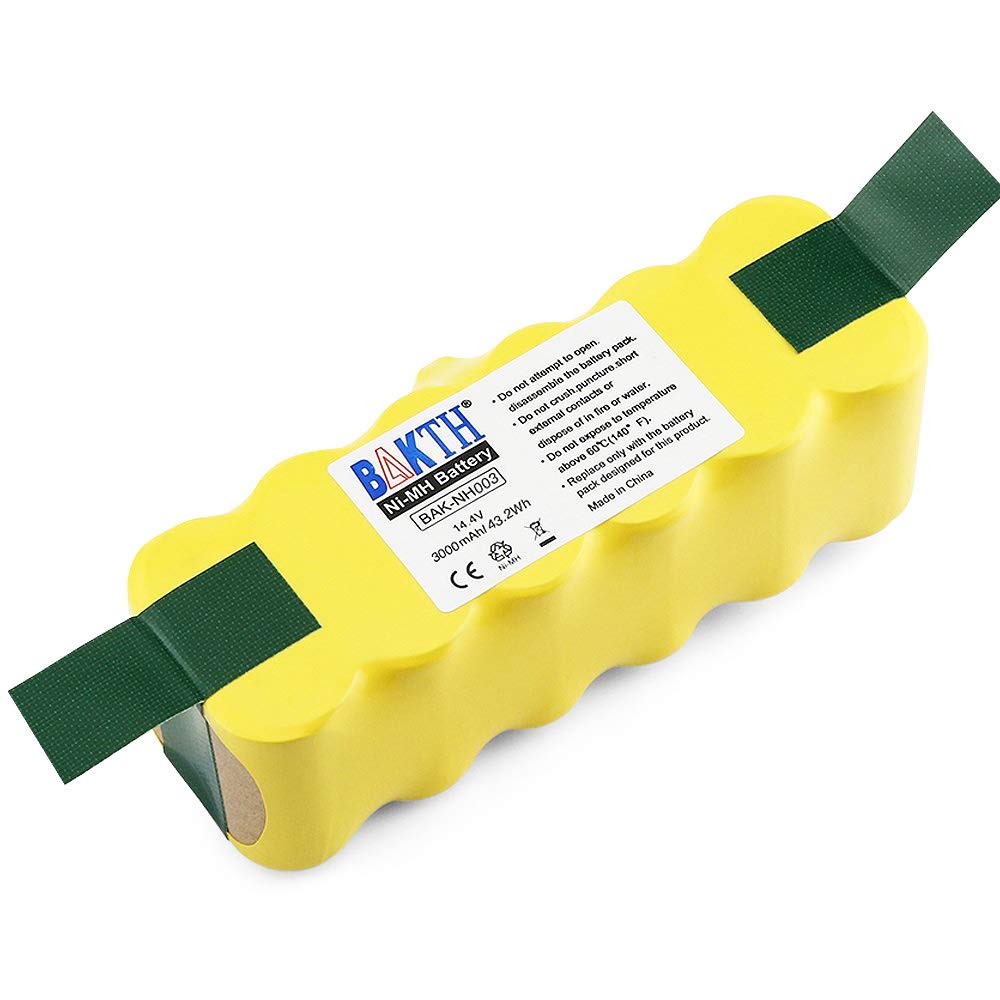
BAKTH 14.4V 3000mAh NI-MH Battery for iRobot Roomba 500 510 520 530 532 535 540 545 550 552 555 560
- High-quality product
- Customer favorite
- Best value option
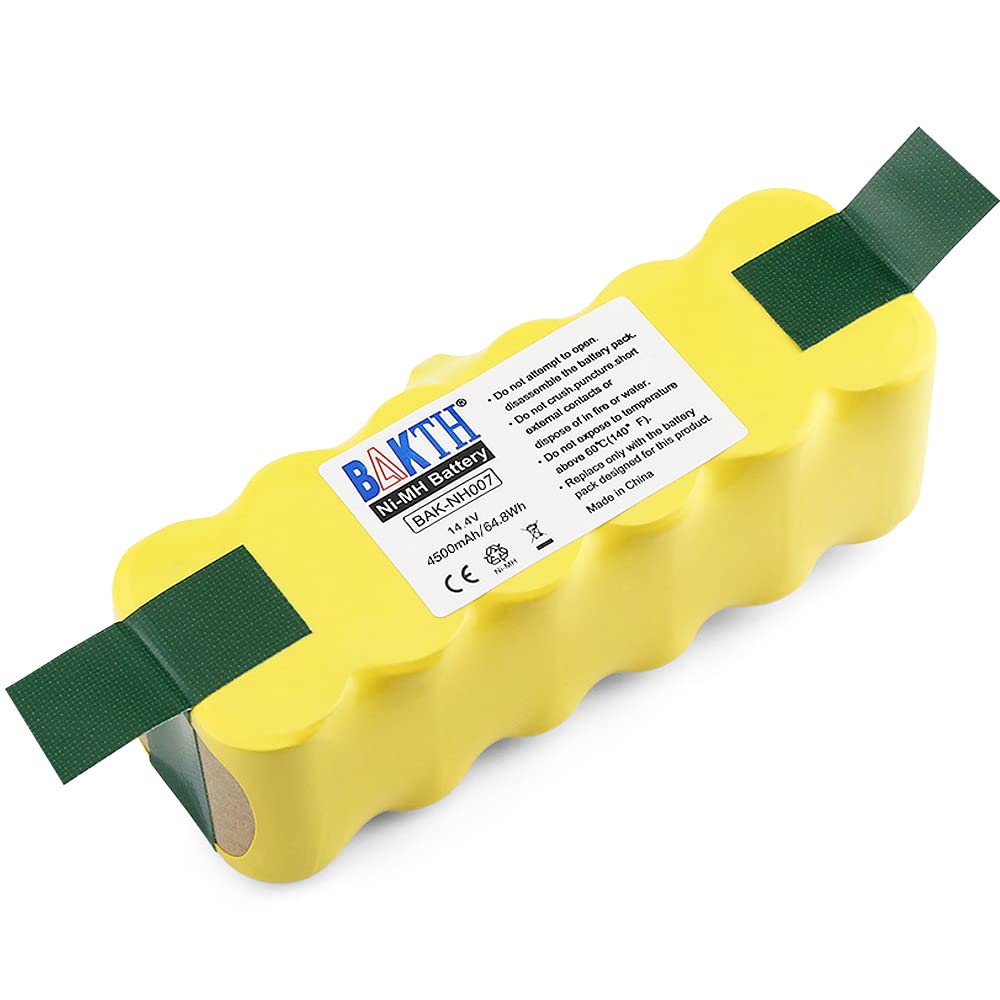
BAKTH 14.4V Irobot Battery Replacement for Roomba: 4500mAh NI-MH Battery for Robot Roomba R3 500 600
- High-quality product
- Customer favorite
- Best value option
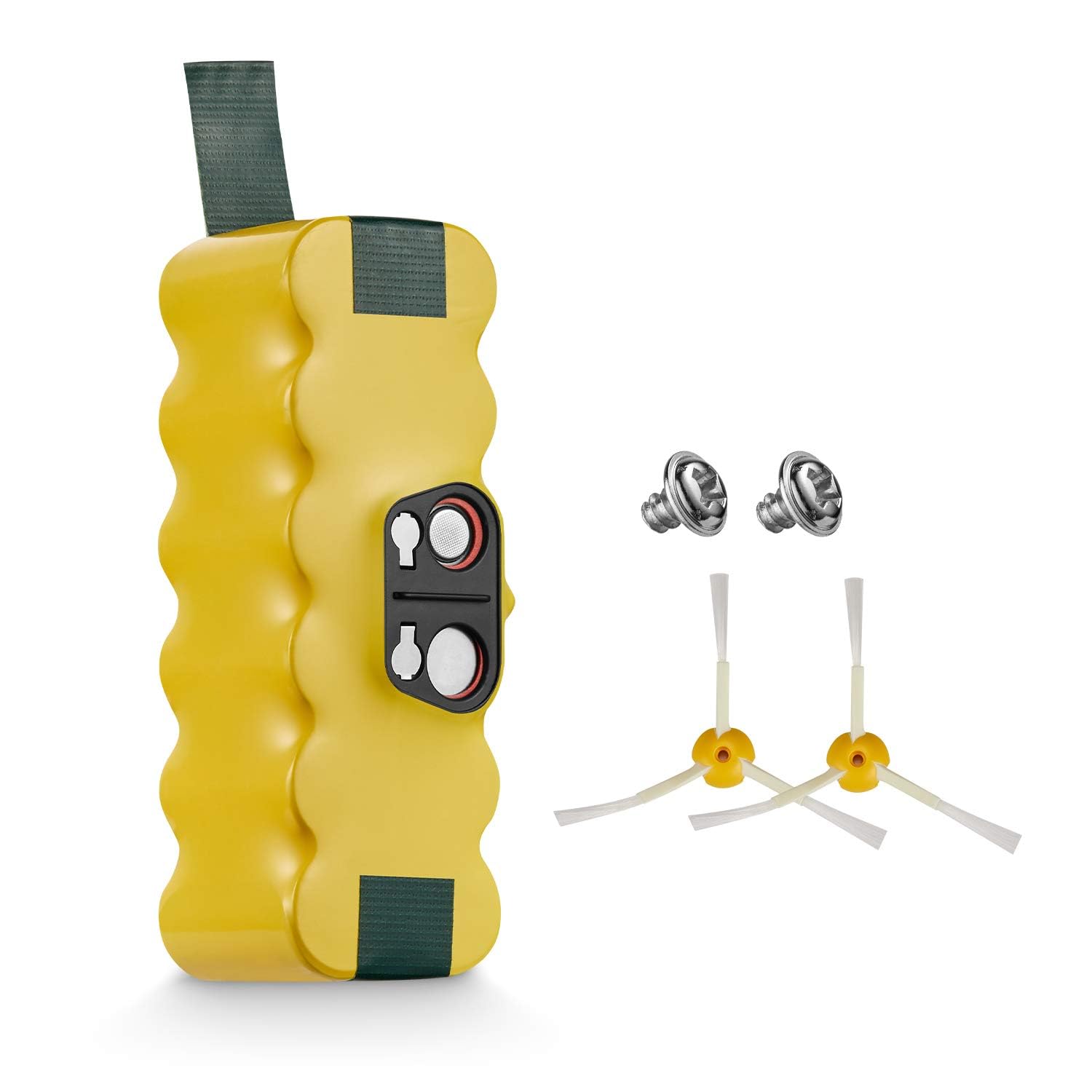
Replacement Battery Compatible with iRobot Roomba R3 500 600 700 800 900 Series 500 510 531 535 540
- High-quality product
- Customer favorite
- Best value option
Expert Hacks & Maintenance: Extending Your Roomba Battery Life
If you want to beat the average and push your roomba battery life into the four-year territory, you must move beyond basic ownership and into proactive maintenance. Here are the expert-level hacks used by technicians to keep these robots running indefinitely.
1. The 16-Hour Deep Reset
If you notice your Roomba’s runtime has suddenly tanked, it might not be a dead battery, but a confused Battery Management System. For older models (500-800 series), you can perform a "Reset." Remove the battery, hold the Power/Clean button for 20 seconds to discharge the capacitors, re-insert the battery, and charge it for a full, uninterrupted 16 hours. This re-calibrates the voltage-to-percentage mapping and can often "recover" 15-20% of perceived lost capacity.
2. Contact Point Optimization
The charging contacts on the bottom of the Roomba and the top of the Home Base often develop a thin layer of oxidation or carbon buildup. This increases resistance, causing the battery to get hotter during charging and potentially preventing a full charge. Monthly, take a piece of Magic Eraser or a cloth with rubbing alcohol and buff these contacts until they shine like new copper.
3. Smart Scheduling for Thermal Management
Instead of scheduling your Roomba to clean in the middle of a hot afternoon, set it for the early morning when the ambient temperature is lowest. This reduces the baseline temperature of the battery before it even starts its mission, giving it more thermal "headroom" during operation.
4. Long-Term Storage Protocol
If you are going on vacation for more than two weeks, do not leave the Roomba on the dock. Charge it to roughly 50-60%, then physically remove the battery from the unit. Store the battery in a cool, dry place. Leaving it on the dock for weeks while unused keeps the cells at high voltage, accelerating chemical aging. Leaving it off the dock inside the robot results in "parasitic drain," which can discharge the battery to a "brick" state where it can no longer be recharged.
Mega FAQ: Everything You Need to Know About Roomba Battery Life
How long do Roomba batteries last on a single charge?
Depending on the model, between 60 and 120 minutes. Modern "i" and "j" series typically average 75-90 minutes of active cleaning before needing to dock.
Should I leave my Roomba plugged in all the time?
Yes. iRobot designs these units to be "always on." The Home Base manages the trickle charge. However, for NiMH batteries, a monthly deep discharge is beneficial.
Can I upgrade my Roomba battery to a higher capacity?
Yes, many aftermarket Li-ion batteries offer higher mAh (e.g., 4500mAh vs the standard 1800mAh). This will significantly increase runtime per mission but ensure the battery is compatible with your specific model's charging logic.
Why is my Roomba dying after only 20 minutes?
This is a classic sign of high internal resistance. The battery can still hold voltage, but it can no longer provide the current necessary to run the motors under load. It’s time for a replacement.
Does the "Clean Base" (Auto-Empty Dock) affect battery life?
Indirectly, yes. Because the robot empties itself and resumes cleaning, it may perform more cycles in a single day than a standard model, reaching its total cycle limit sooner in calendar time.
How do I know if I have a NiMH or Li-ion battery?
Usually, by the color and model. Yellow batteries are almost always NiMH. Green or black batteries are typically Li-ion. Check the label for the chemical symbol.
Is it safe to use a non-iRobot brand battery?
It can be, provided you buy from a reputable brand like BAKTH that includes built-in protection circuits. Avoid unbranded, ultra-cheap cells from generic marketplaces.
Why does my Roomba battery get hot?
Some heat is normal during charging and discharging. However, if it’s too hot to touch, the battery has likely developed a partial internal short or the charging circuit is malfunctioning.
Can cold weather hurt my Roomba battery?
Yes. Operating or charging a Li-ion battery in temperatures below freezing can cause permanent "lithium plating," which destroys the battery and can make it dangerous.
Does "Carpet Boost" mode kill the battery?
It doesn't "kill" it, but it drains it much faster. Using Carpet Boost on the Roomba 980 or s9+ increases the discharge rate, which generates more heat and reduces runtime per charge.
How many years should a Roomba battery last?
With average use (3x per week), expect 2-4 years for Li-ion and 1-2 years for NiMH.
My Roomba hasn't been used in 6 months and won't charge. Is it dead?
Likely yes. If the voltage drops below a certain threshold (usually around 2.5V per cell for Li-ion), the protection circuit "trips" to prevent charging a potentially unstable battery.
Closing Thoughts: Investing in Your Robot’s Longevity
Understanding how long do Roomba batteries last is the key to transitioning from a casual user to a power user. By recognizing the signs of degradation early and implementing professional maintenance habits—like cleaning contact points and managing thermal stress—you can effectively double the lifespan of your power cells.
Remember, the battery is not a permanent part of the machine; it is fuel. Just as you wouldn't expect a set of tires to last the life of a car, your Roomba’s battery is designed to be swapped. When the time comes, choosing a high-quality replacement ensures that your robot continues to provide the autonomous freedom you’ve come to rely on. Keep your sensors clean, your brushes clear, and your battery cool, and your Roomba will serve you faithfully for years to come.