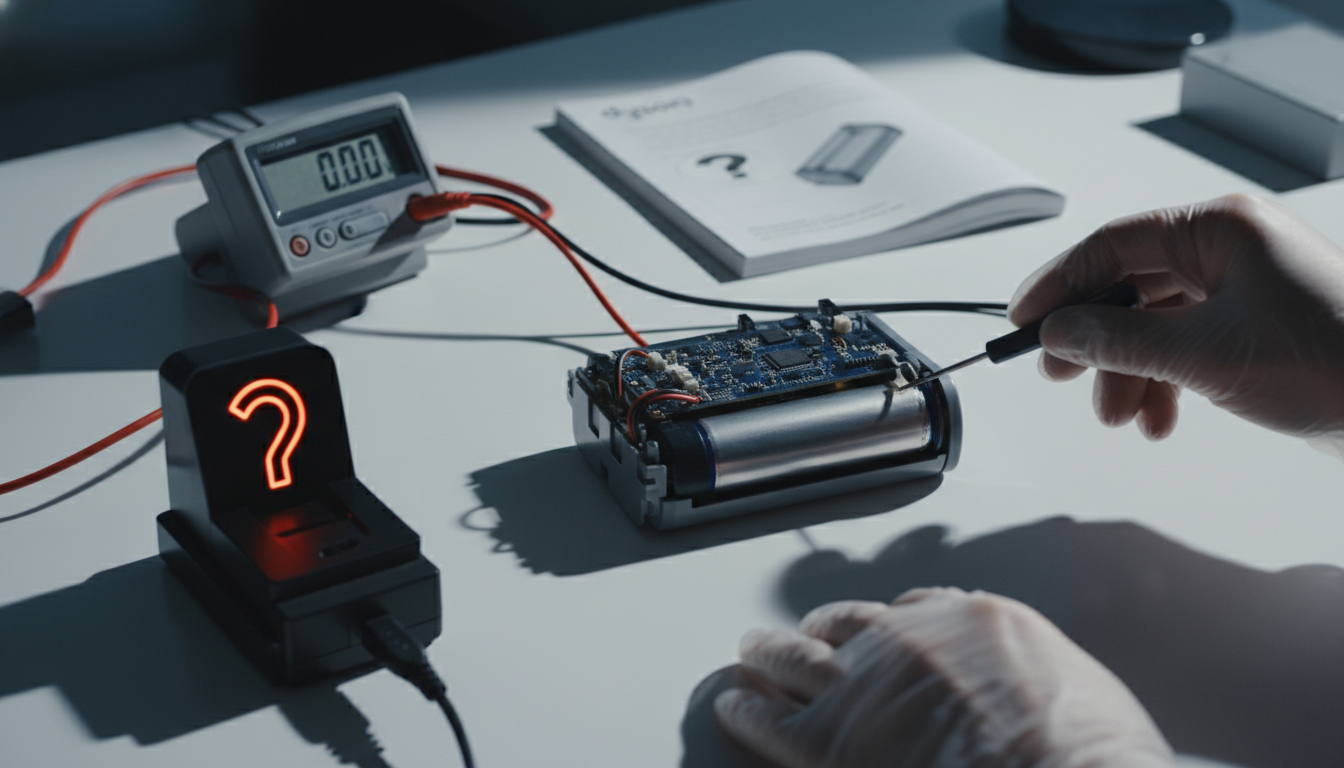
The Frustration of a Silent Dyson: Why Your Battery Is Failing You
When you invest in a Dyson cordless vacuum—whether it’s the classic V8 or the laser-guided V15—you aren’t just buying a cleaning tool; you are purchasing a promise of high-performance engineering and unrivaled convenience. However, that convenience evaporates the moment you pull the trigger and nothing happens. A dyson battery not charging or a dyson won’t charge scenario is one of the most common grievances reported by owners worldwide. It is a digital and mechanical “brick wall” that turns a premium appliance into a heavy paperweight.
The reality of modern cordless technology is that it relies heavily on high-density Lithium-ion (Li-ion) chemistry. While these batteries provide the incredible suction power Dyson is known for, they are also temperamental. They are sensitive to temperature, discharge cycles, and even the quality of the electricity coming from your wall outlet. When your Dyson stops charging, it is rarely a “random” occurrence. Instead, it is usually the result of a built-in safety protocol or a physical degradation of the cells within the battery pack.
Understanding why this happens requires moving past basic user manuals. Most generic advice tells you to “plug it in again.” As an authority in home appliance mechanics, I can tell you that if your Dyson is refusing a charge, there is a technical narrative occurring behind the LED lights. It could be a failure of the Battery Management System (BMS), a thermal runaway prevention lock, or simply a micro-fracture in the charging port.
In this guide, we are going to dissect the anatomy of the Dyson power system. We will explore the difference between a “dead” battery and a “sleeping” battery, and provide you with the exact diagnostic framework used by professionals to determine if your unit requires a simple reset or a full hardware replacement. If you are staring at a blinking red light or a completely dark display, you are in the right place. We are going to troubleshoot this with surgical precision to get your vacuum back in the fight against dust and debris.
The Critical Problem: Decoding the Battery Management System (BMS)
To solve the issue of a dyson won’t charge, we must first understand the “brain” of the battery: the Battery Management System (BMS). Unlike a simple AA battery, a Dyson battery pack is a complex computer. It monitors voltage levels, temperature, and current flow across multiple individual lithium cells.
The “Brick” Protection Logic
The primary reason a Dyson battery stops charging is “Permanent Failure Mode.” This is a software lock triggered by the BMS. If the system detects that one of the internal cells has dropped below a critical voltage threshold (usually around 2.5V to 3.0V), it will permanently disable the battery. Why? Because charging a deeply discharged lithium cell can cause it to become unstable, potentially leading to a fire. Dyson prioritizes your home’s safety over the battery’s longevity. Once this software “fuse” is blown, the battery will refuse all incoming current, and you’ll likely see the dreaded blinking red light.
Thermal Throttling and Environmental Stress
Another critical factor is heat. Dyson vacuums, especially in “Max” or “Boost” mode, pull a massive amount of current. This generates significant internal heat. If you immediately plug your Dyson into the charger after a heavy cleaning session while the battery is still hot, the BMS will block the charge to prevent thermal degradation. This is often mistaken for a broken charger when, in fact, it is a necessary cooling period.
The Cycle Count Reality
Every Lithium-ion battery has a finite lifespan, typically measured in 300 to 500 full charge cycles. As the chemistry inside ages, internal resistance increases. Eventually, the resistance becomes so high that the charger can no longer “push” energy into the cells effectively. This manifests as a battery that shows it’s charging for a few minutes and then abruptly stops, or a vacuum that runs for 30 seconds before dying.
Mechanical Failures: The Hidden Culprits
Beyond the chemistry, we have the physical interface. The charging pins on Dyson units are remarkably small. Over time, dust, pet hair, or microscopic corrosion can create a layer of insulation between the charger and the battery terminals. Furthermore, the “trigger” mechanism on models like the V10 and V11 is a known mechanical weak point. If the trigger isn’t fully disengaging, the vacuum may think it’s still “on,” which can interfere with the handshake protocol between the charger and the BMS.
Methodology & Core Guide: Step-by-Step Troubleshooting
If your dyson battery not charging, follow this professional diagnostic sequence. Do not skip steps, as the simplest solution is often the one overlooked.
Step 1: The “Cool-Down” Protocol
Before touching any tools, ensure the battery isn’t simply too hot.
- Remove the vacuum from the charger.
- Let it sit in a room-temperature environment (not a hot garage) for at least 2 hours.
- Attempt to charge it again. If the light turns blue, you were simply experiencing a thermal lockout.
Step 2: Inspect the Physical Connection
The most common “fixable” reason a dyson won’t charge is a poor connection.
- The Cable: Check the entire length of the charging cable for fraying or kinking. Dyson cables are sensitive; if a pet has chewed on it or it’s been pinched in a door, the internal copper may be severed.
- The Port: Look into the charging port on the battery. Use a flashlight. If you see grey dust or lint, use a toothpick or a blast of compressed air to clear it.
- The Wall Socket: It sounds elementary, but test the outlet with a different device (like a lamp) to ensure the circuit breaker hasn’t tripped.
Step 3: The Hard Reset (The “Trigger” Method)
While Dyson doesn’t have a dedicated “reset button,” you can force a logic reset on many models:
- Unplug the charger from the wall.
- Plug the charger into the vacuum.
- Hold the “Power” trigger down for 20 seconds.
- Release the trigger and then plug the charger into the wall outlet.
This can sometimes “wake up” a BMS that has glitched during a power surge.
Step 4: Decoding the LED Indicator Lights
Your Dyson is trying to talk to you. Here is the translation:
- Solid Blue: Charging normally.
- Flashing Blue: No power is reaching the battery. Re-seat the charger.
- Solid Amber/Yellow: Temporary fault (usually temperature-related).
- Flashing Red (More than 12 times): This is the “Death Knell.” It indicates a fundamental cell failure or a BMS lockout. At this point, the battery usually requires replacement.
- No Light at All: The charger itself is likely dead, or the battery is so deeply discharged that the BMS cannot even power the LED.
Step 5: Bypassing the Docking Station
If you use a wall-mounted dock, the problem might be the dock’s alignment rather than the battery.
- Remove the charging cable from the plastic housing of the dock.
- Plug the cable directly into the battery port.
- If it charges now, your dock was misaligned or the pins weren’t making full contact.
Step 6: Testing the Charger Output (Advanced)
If you have a Multimeter, you can test the charger. Set it to DC Voltage. Touch the probes to the inner and outer parts of the charger jack. A standard Dyson charger should output approximately 26V to 30V (check the fine print on your specific brick). If the multimeter reads 0V, the charger is dead and needs replacement.
Step 7: Battery Replacement (The Final Resolution)
If you have confirmed the charger works and the ports are clean, but you still have a flashing red light or no response, the internal cells have reached their end-of-life.
- For V6, V7, V8: You will need a Philips head screwdriver to remove the screws (usually one on the back of the handle and two on the bottom of the battery).
- For V10, V11, V15: Most of these use a “Click-in” battery system. Press the red release button and slide the battery out.
Best Choice

Premium High-Capacity Replacement Battery for Dyson
- Extended run time for deep cleaning
- Built-in safety protection features
- High-grade lithium cells
Recommended

Standard Replacement Battery Pack
- Original specifications compatibility
- Fast charging support
- Easy installation guide included
Budget

Value Series Compatible Battery
- Most affordable replacement option
- Reliable performance for daily use
- Compatible with multiple Dyson models
Expert Hacks & Maintenance: Extending the Life of Your Dyson
Once you have resolved your dyson battery not charging issue, you must pivot to preventative maintenance. Lithium batteries are not “set it and forget it” devices. To ensure you don’t face this problem again in 12 months, implement these expert strategies:
1. The “80/20” Rule Myth vs. Dyson Reality
While many tech experts suggest keeping batteries between 20% and 80%, Dyson’s BMS is designed to handle being left on the charger 24/7. However, the real killer is heat. Avoid using “Max/Boost” mode for the entire house. Boost mode should only be used for 30-second bursts on stubborn rugs. Running in Boost mode until the battery dies is the fastest way to trigger a permanent BMS lockout.
2. Strategic Storage
If you aren’t going to use your Dyson for more than a month (e.g., you’re going on vacation), do not leave it at 0%. Store it with about a 50% charge. Lithium cells naturally self-discharge over time. If they start at 0% and drop further during storage, the voltage will fall below the “safety floor,” and the battery will be bricked when you return.
3. Cleaning the Contact Points
Every three months, use a cotton swab with a tiny amount of Isopropyl alcohol (70% or higher) to wipe the metal contacts on both the battery and the charger. This removes oxidation that increases resistance and slows down charging.
4. Filter Maintenance = Battery Health
This is the “secret” hack most people ignore. A clogged filter makes the motor work harder to pull air. A harder-working motor draws more current. More current equals more heat. More heat kills the battery. If your filter is dirty, your battery is suffering. Wash your filter monthly and ensure it is completely dry (24 hours) before re-inserting.
Mega FAQ: Expert Solutions for Dyson Power Issues
1. Why is my Dyson flashing red while charging?
If it flashes red more than 12 times, it indicates a hardware failure. The BMS has detected a cell imbalance or a short circuit. Replacement is usually necessary.
2. Can I leave my Dyson on the charger all the time?
Yes. Dyson chargers have an intelligent cut-off. Once the battery is at 100%, the charger stops sending high current and switches to a “maintenance” mode.
3. How long should a Dyson battery last?
On average, a well-maintained Dyson battery lasts 2 to 4 years. If yours died in less than a year, check your warranty, as Dyson may replace it for free.
4. My Dyson works for 30 seconds and then stops. Is it the battery?
Not necessarily. First, check for blockages in the wand and brush bar. If the vacuum detects an airflow restriction, it will shut down to protect the motor. If there are no blockages, then yes, the battery is likely “sagging” under load and needs replacement.
5. Can I use a third-party battery if my dyson won’t charge?
Yes, but quality varies wildly. Look for third-party batteries that specifically mention “Overcharge Protection” and “High-Grade Cells.” Cheap knock-offs can lack the proper BMS, posing a fire risk.
6. Does the cold affect Dyson batteries?
Yes. Lithium-ion batteries struggle to move ions in cold temperatures. If you store your vacuum in a freezing garage, it may refuse to charge until it is brought inside and warmed up.
7. Why does my Dyson V11 screen say “Airway Blocked” even when it’s clear?
This is often a sensor glitch caused by a failing battery that isn’t providing consistent voltage to the onboard computer.
8. How do I know if it’s the charger or the battery?
If the LED lights up on the vacuum when you plug it in, the charger is working. If no lights appear at all (and the outlet is live), the charger is likely the culprit.
9. Is there a way to “jumpstart” a dead Dyson battery?
Technically, yes (by manually applying voltage to cells), but it is highly dangerous and should never be attempted by a consumer. It can lead to thermal runaway (fire).
10. Why did my battery die right after I cleaned the filter?
If you put the filter back in while it was still damp, moisture may have entered the motor housing and short-circuited the electronics, triggering a battery lockout.
11. Does the Dyson warranty cover the battery?
Dyson usually provides a 2-year warranty on their cordless machines, which includes the battery. If you are within this window, contact their support before buying a replacement.
12. My Dyson gets very hot during use. Is this normal?
It should be warm, but not “painful to touch.” If it’s excessively hot, stop using it immediately. This is a sign of internal resistance or a motor failure that will soon kill the battery.
Closing Thoughts
A dyson battery not charging is a hurdle, but it isn’t the end of your vacuum’s life. By understanding that the battery is a complex, safety-oriented computer, you can approach the problem with logic rather than frustration. Whether it’s a simple case of clearing a blockage, cooling down the unit, or finally admitting it’s time for a high-capacity replacement, you now have the expert knowledge to make the right call.
Remember: cordless convenience is a trade-off with battery chemistry. Treat your battery with respect—avoid excessive “Boost” mode, keep your filters clean, and ensure your connections are free of debris. Do this, and your Dyson will continue to provide the elite cleaning performance you’ve come to expect for years to come.