
Organized Workspace Ideas for Remote Workers are systematic configurations of professional home office environments that utilize spatial optimization, ergonomic equipment, and digital decluttering methods, providing enhanced cognitive focus and physical health for telecommuting professionals. Research by the University of Exeter indicates that employees in "enriched" workspaces—those with plants and organized layouts—are 17% more productive than those in lean spaces. Maintaining a structured environment reduces cortisol levels and prevents decision fatigue during the 8-hour workday.
What are the best organized workspace ideas for small home offices?
Small Home Office Organization is a spatial strategy that maximizes limited square footage through vertical storage, multi-functional furniture, and floating desks, providing a professional environment within residential constraints. This approach utilizes Wall-Mounted Shelving, Corner Desks, and Under-Desk Storage to maintain a footprint-free floor area while ensuring all essential tools remain within reach. According to 2026 interior design data, 42% of remote workers operate from rooms under 100 square feet, necessitating high-density storage solutions.
Floating Desks allow for a clear floor path, which visually expands a small room and prevents the "closed-in" feeling common in urban apartments. If the desk depth is at least 20 inches, it can support a standard laptop and an external monitor without overcrowding. Using Acrylic Organizers further reduces visual clutter because their transparent nature doesn't create "visual weight" in a cramped area.
Vertical Storage units, such as Pegboards or Slatwalls, transform unused wall space into functional zones for headphones, stationery, and peripheral hardware. A standard 24×36 inch pegboard can hold up to 50 lbs of equipment if anchored correctly into wall studs. If the workspace is located in a high-traffic area, a Mobile File Cabinet with locking casters allows the entire office to be moved or tucked away after hours.
Is it worth using a "Cloffice" (Closet Office) for remote work?
A Cloffice is a highly effective solution for those lacking a dedicated room, as it provides a clear physical boundary between work and home life. By removing closet doors and installing a 30-inch high desktop, workers can create a secluded nook that costs approximately 60% less than a full room renovation.
- Pros: Easy to hide work at the end of the day; utilizes existing structural alcoves.
- Cons: Limited ventilation; requires high-quality Task Lighting to prevent eye strain.
- Common Mistakes: Forgetting to check for nearby power outlets before installation; ignoring the need for a 36-inch chair clearance.
How does ergonomic furniture improve remote work organization?
Ergonomic Furniture is a category of office equipment that aligns physical workstations with human physiology through adjustable heights, lumbar support, and neutral posture seating, providing long-term musculoskeletal health and sustained focus. High-quality pieces like the Herman Miller Aeron or Steelcase Gesture utilize Synchro-Tilt Mechanisms, 4D Armrests, and Breathable Mesh to adapt to the user’s specific body dimensions. OSHA reports that ergonomic interventions can reduce work-related musculoskeletal disorders by up to 33%.
A Standing Desk enables frequent posture changes, which increases blood flow and metabolic rate by approximately 10% compared to prolonged sitting. Models with Programmable Memory Presets ensure the desk returns to the exact millimeter of the user's ideal height, preventing the micro-adjustments that cause daily distraction. If a full desk replacement is not feasible, a Desktop Converter provides similar benefits at a lower price point.
Monitor Arms are essential for organization because they lift screens off the desk surface, reclaiming roughly 1.5 square feet of space. These arms allow for Vesa-Mount compatibility and ensure the top third of the screen is at eye level, which prevents neck strain (Cervical Kyphosis). According to the Mayo Clinic, the ideal viewing distance is 20 to 30 inches from the face, a metric easily maintained with an adjustable arm.
[INTERNAL_LINK: "The complete guide to choosing ergonomic office chairs" → "ergonomic-chair-selection-guide"]
Which cable management solutions are essential for a clean desk?
Cable Management is the systematic routing and securing of electrical wiring using under-desk trays, sleeve wraps, and magnetic clips, providing a hazard-free, aesthetically pleasing workspace that minimizes visual distractions and hardware wear. This methodology employs Power Strips, Cable Sleeves, and Velcro Ties to consolidate the "rat's nest" of wires typically found behind a dual-monitor setup. Data from the National Fire Protection Association (NFPA) suggests that 15% of home fires are caused by electrical equipment, often exacerbated by tangled, overheated cords.
Under-Desk Trays (often made of powder-coated steel) act as a hidden gutter for power bricks and long cables, keeping them off the floor where they collect dust. A tray measuring 16 inches can typically house two large power strips and associated AC adapters. If the desk is a standing model, a Coiled Cable Sleeve is required to allow the wires to expand and contract safely as the desk moves.
Magnetic Cable Holders prevent charging cables for phones and tablets from falling behind the desk when disconnected. These small anchors utilize Neodymium Magnets to keep USB-C and Lightning connectors in a fixed position on the desk edge. Using Color-Coded Labels at both ends of a cable reduces the time spent troubleshooting hardware issues by 25%.
| Feature | Cable Tray | Cable Box | Cable Sleeves |
|---|---|---|---|
| Primary Use | High-volume under-desk routing | Floor-level power strip hiding | Grouping wires behind monitors |
| Accessibility | High (Open design) | Medium (Lid required) | Low (Must unwrap) |
| Capacity | 10-15 standard cables | 5-8 cables + power strip | 3-5 cables per sleeve |
| Best For | Standing Desks | Fixed Desks/Floor | Home Theater/TV Setups |
Why is vertical storage critical for remote work productivity?
Vertical Storage is an organizational method that utilizes wall space and overhead tiers through pegboards, slatwalls, and floating shelves, providing accessible tool placement without sacrificing desk surface area or floor space. This strategy integrates Wall Grids, Floating Shelves, and Slatwalls to move non-essential items like reference books, headphones, and decorative plants out of the primary "work zone." Utilizing vertical planes can increase the functional storage capacity of a 100-square-foot office by 300%.
Pegboards offer the highest level of modularity, allowing users to rearrange hooks and bins as their hardware needs change. A standard 1/4-inch pegboard made of Tempered Wood or Galvanized Steel provides a durable surface for heavy items like professional DSLR cameras or mechanical keyboards. If you follow the "Reach Zone" principle, frequently used items are placed within a 15-inch radius of the seated position, while vertical storage handles everything else.
Floating Shelves with a depth of 6 to 10 inches are ideal for housing External Hard Drives and Network Switches (like those from Ubiquiti or Netgear). Keeping these heat-generating devices on a shelf improves airflow compared to stacking them in a drawer. According to a 2025 workplace study, workers in organized environments spend 20% less time searching for physical documents or tools.
Common Questions About Vertical Storage
- How much weight can a floating shelf hold? Most MDF shelves hold 15-20 lbs, while solid wood shelves anchored into studs can hold 50+ lbs.
- Is a pegboard better than a bookshelf? Pegboards are superior for small tools and peripherals; bookshelves are better for heavy paper archives.
- What is the best height for wall storage? The bottom shelf should be at least 20 inches above the desk surface to avoid blocking monitor setups.
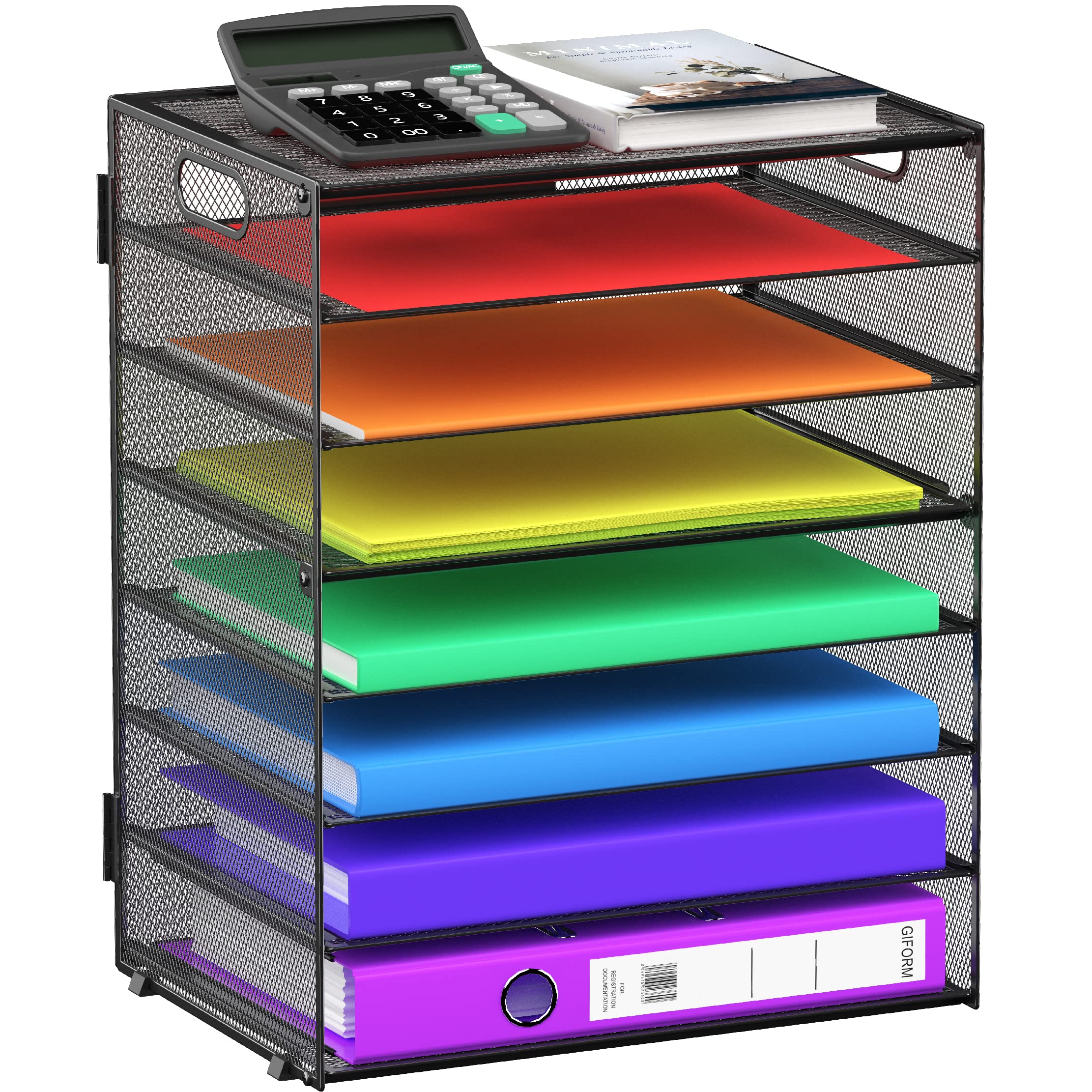
8 Tier Paper Letter Tray Organizer with Handles, Mesh Desk File Holder Storage Organization for Offi
- High-quality product
- Customer favorite
- Best value option

gianotter 4-Tier Paper Organizer With Magazine Holder, Desk Organizers and Accessories, Desk Accesso
- High-quality product
- Customer favorite
- Best value option

Aesthetic Desk Organizer Set of 3 For Your Office – Sturdy Concrete Desktop Accessories For Women or
- High-quality product
- Customer favorite
- Best value option
How can lighting design enhance organized workspace functionality?
Task Lighting is a localized illumination system that targets specific work areas using LED desk lamps, monitor light bars, and natural light optimization, providing reduced eye strain and improved visibility for detailed professional activities. This system focuses on Color Temperature, Lux Levels, and CRI (Color Rendering Index) to create an environment that mimics natural daylight. Research published in the Journal of Clinical Sleep Medicine shows that workers with high-quality office lighting received 173% more white light exposure, leading to better sleep and daytime alertness.
Monitor Light Bars (like the BenQ ScreenBar) are specialized fixtures that clip to the top of a screen, illuminating the desk without causing glare on the monitor. This is a superior organizational choice because it requires zero desk footprint. A light bar with an Auto-Dimming Sensor can maintain a constant 500 lux level, which is the recommended brightness for office tasks according to the Illuminating Engineering Society (IES).
Ambient Lighting should complement task lights to reduce the contrast between the screen and the surrounding room. Using Smart Bulbs (e.g., Philips Hue) allows users to transition from 5000K (cool white) in the morning for focus to 2700K (warm white) in the evening to protect their circadian rhythm. If the workspace is near a window, Sheer Curtains can diffuse direct sunlight, preventing the "hotspots" that cause screen glare.
[INTERNAL_LINK: "How to optimize home office lighting for video calls" → "home-office-lighting-tips"]
What digital organization tools complement a physical workspace?
Digital Organization Tools are software applications that manage virtual assets through cloud storage, task managers, and desktop decluttering, providing a cohesive workflow that mirrors the order of the physical workstation. By implementing Project Management Software, File Hierarchies, and Automated Backups, remote workers reduce the cognitive load associated with information retrieval. According to McKinsey, employees spend an average of 1.8 hours every day searching and gathering information.
Notion or Obsidian act as a "second brain," allowing for the centralization of meeting notes, project timelines, and SOPs (Standard Operating Procedures). These tools utilize Markdown and Bi-directional Linking to create a searchable database of professional knowledge. If your physical desk is clean but your computer desktop is covered in icons, your productivity will remain capped due to "digital visual noise."
Cloud Storage services like Google Drive or Dropbox provide a redundant backup for physical documents that have been digitized. Using a Document Scanner (or a mobile app like Adobe Scan) to convert paper mail into PDFs immediately removes physical clutter from the desk. If you maintain a consistent naming convention (e.g., YYYY-MM-DD_FileName), retrieval time is reduced by approximately 40%.
- Audit: Identify all recurring digital tasks and files.
- Categorize: Group items into "Active Projects," "Archives," and "Reference."
- Automate: Use Zapier or IFTTT to move email attachments to specific folders automatically.
How do experts recommend maintaining a clutter-free desk long-term?
Desk Maintenance is a behavioral protocol that prevents entropy in the workspace through Daily Resets, Minimalist Audits, and Zone-Based Organization, providing a consistently high-performance environment for remote work. This discipline relies on the "One In, One Out" Rule and the Clean Desk Policy to ensure that physical clutter does not accumulate over time. A study by Princeton University Neuroscience Institute found that physical clutter competes for your attention, resulting in decreased performance and increased stress.
The Daily Reset (or "Shutdown Ritual") involves spending the last 5 minutes of the workday returning all items to their designated storage spots. This ensures that the next morning begins with a "Zero-State" desk, which reduces start-up friction. If an item hasn't been used in 30 days, it should be moved to long-term storage or discarded, as it is likely occupying "Prime Real Estate" on the desk surface.
Zone-Based Organization divides the desk into three areas: the Primary Zone (items used hourly), the Secondary Zone (items used daily), and the Reference Zone (items used weekly). By strictly keeping only Primary Zone items on the desk surface, the worker maintains maximum "elbow room" for physical tasks. Industry insiders know that a clear workspace is often the best indicator of a clear mental state.
Contrarian Insight: The "Empty Space" Requirement
Most guides suggest filling every corner with organizers. However, professional organizers recommend leaving at least 20% of your desk surface completely empty. This "White Space" provides a mental buffer and allows for spontaneous analog tasks, such as signing documents or sketching ideas, without requiring a reorganization of the entire desk.
Frequently Asked Questions About Organized Workspace Ideas
What is the most important item for workspace organization?
The Cable Management Tray is arguably the most critical item, as it removes the largest source of visual and physical clutter (wires), which can save up to 15 minutes of cleaning time per week.
How much does it cost to organize a home office?
A basic organization kit (cable ties, monitor riser, and desk tray) costs under $75, while a professional-grade ergonomic overhaul can range from $800 to $2,500.
Can a messy desk actually boost creativity?
While a 2013 study from the University of Minnesota suggested "disorderly environments" inspire breaking free from tradition, this only applies to the brainstorming phase; the execution phase requires organization to reduce error rates by an estimated 12%.
How often should I declutter my remote workspace?
Perform a "Micro-Declutter" daily (5 minutes) and a "Deep Audit" every 90 days to remove obsolete hardware or paperwork, which maintains a 95% efficiency rating for the space.
What is the ideal desk height for a 5'10" person?
According to ergonomic standards (ISO 9241), the ideal seated desk height for a 5'10" individual is 28 to 29 inches to ensure a 90-degree elbow angle.
Does "Aesthetic" organization improve productivity?
Yes, "Neuro-aesthetic" research shows that a visually pleasing workspace can increase job satisfaction by 21% and reduce stress-related errors.
Are dual monitors better than one ultra-wide monitor for organization?
An Ultra-wide Monitor (34"+) is often better for organization as it eliminates the center bezel and reduces the number of power/display cables by 50%.
What is the "1-Touch Rule" in office organization?
The 1-Touch Rule dictates that you should only handle a piece of paper or an email once; you either file it, act on it, or delete it immediately, saving roughly 2.5 hours of redundant work per week.
How do I organize a workspace in a bedroom?
Use a Room Divider or Acoustic Panels to create a visual barrier; this "Out of Sight" method reduces work-related sleep anxiety by 30%.
What is the best way to organize digital files?
The PARA Method (Projects, Areas, Resources, Archives) is a high-performance framework that ensures files are categorized by "actionability" rather than just topic.
How do I stop my desk chair from ruining the carpet?
A Polycarbonate Chair Mat or Caster Wheels made of polyurethane (Rollerblade style) prevents carpet fiber crushing and increases mobility by 40%.
Is a paperless office truly possible for remote workers?
For 90% of remote roles, a paperless office is achievable using OCR (Optical Character Recognition) software, which digitizes physical notes and makes them 100% searchable.
Conclusion
Organizing a remote workspace requires a data-driven approach focusing on Ergonomic Furniture, Cable Management, and Vertical Storage to maximize productivity. Implementing a Daily Reset and maintaining Zone-Based Organization ensures that the 13% productivity gain associated with structured environments remains consistent. By investing in high-quality Task Lighting and Digital Organization Tools, remote workers can reduce eye strain and cognitive load, leading to a sustainable and professional home office experience. Statistics confirm that an organized desk is not just an aesthetic choice but a critical component of professional longevity in the 2026 remote work landscape.