
Understanding the Silence: Why Your Shark Vacuum Won’t Start
It is the quintessential homeowner’s nightmare: you have a house full of guests arriving in three hours, a layer of pet hair coating the rug, and when you press the power button on your Shark vacuum, nothing happens. No roar of the motor, no suction, just an ominous, frustrating silence. As a top-tier authority on home appliance repair, I can tell you that a shark vacuum not turning on is rarely a sign that the machine is "dead." Instead, it is usually a sign that one of the vacuum’s many sophisticated safety protocols has been triggered.
Shark has built a reputation on high-performance suction and "Lift-Away" versatility, but that engineering comes with a complex network of sensors and thermal switches designed to protect the motor from catastrophic failure. When your shark vacuum won't start, it is often the machine's way of saving itself from a more expensive repair. Whether you are using a Navigator, a Rotator, or one of the newer Vertex or Apex models, the logic governing the power system remains remarkably consistent.
The frustration of a non-starting vacuum is compounded by the fact that Shark vacuums are often the "workhorses" of the modern home. We rely on them for everything from deep-cleaning carpets to reaching ceiling fans. When the power fails, the cleaning momentum of the entire household grinds to a halt. In this mega guide, we are going to move past the "is it plugged in?" basics and dive into the professional-grade diagnostics that technicians use to bring these machines back to life.
We will explore the relationship between airflow and electrical integrity, the hidden reset procedures that aren't always in the manual, and how to determine if your issue is a simple $5 fix or a component failure that requires a more tactical approach. If you are staring at a lifeless Shark vacuum right now, take a breath. By the end of this guide, you will have the expert-level knowledge required to diagnose, troubleshoot, and resolve the issue, saving you the hundreds of dollars it would cost to replace the unit or send it to a specialized repair shop.
The Critical Problem: An Expert Analysis of Power Failure
To fix a Shark vacuum that won't turn on, we must first understand the engineering behind the failure. Most users assume that if a vacuum doesn't start, the motor has "burned out." In reality, modern Shark motors are incredibly resilient. The "Critical Problem" usually falls into one of three sophisticated categories: Thermal Overload, Electrical Path Interruption, or Battery Management System (BMS) Lockout.
1. The Thermal Overload Protection (TOP) System
The most common reason for a shark vacuum not turning on is the activation of the Thermal Overload Protector. Shark vacuums utilize a bimetallic strip or a thermistor near the motor. If the motor temperature exceeds a specific threshold—usually due to a clog or a dirty filter—the circuit opens to prevent the motor windings from melting.
The expert insight here is that the TOP system doesn't just "trip"; it requires a specific "cool-down and reset" cycle. If you try to turn the vacuum back on too quickly, the residual heat keeps the circuit open. Furthermore, if the underlying cause of the heat (the restriction of airflow) isn't addressed, the vacuum will continue to shut off within seconds of being revived. This creates a "cycling" failure that many users mistake for a broken switch.
2. Electrical Path Interruption and Resistance
Shark vacuums, particularly the "Lift-Away" models, rely on a series of electrical connections that run through the wand, the handle, and the main canister. Every "click" connection is a potential point of failure. Over time, dust and microscopic debris can coat the metal contact pins.
Even a slight increase in electrical resistance at these junctions can cause a voltage drop. The motor controller may detect this inconsistent voltage and refuse to engage the motor to prevent "arcing" or electrical fire. This is why a vacuum might power on in "Lift-Away" mode but fail when fully assembled; the path through the extension wand is compromised.
3. The Cordless Conundrum: BMS and Logic Boards
For cordless Shark models, the "not turning on" issue is often digital rather than mechanical. The Battery Management System (BMS) monitors the health of individual lithium-ion cells. If the BMS detects a "cell imbalance" (where one cell has a significantly different voltage than the others), it will engage a hard lockout. This is a safety feature to prevent lithium fires. In these cases, the vacuum won't start even if the "bars" on the battery indicator show a full charge. Understanding how to "handshake" the battery and the charger is critical for these modern units.
Methodology & Core Guide: The Professional Diagnostic Path
Restoring power to your Shark vacuum requires a systematic approach. Do not skip steps; often, the solution is a combination of two minor adjustments rather than one major fix. Follow this professional methodology to diagnose why your shark vacuum won't start.
Phase 1: The "Cold Reset" and Thermal Recovery
Before opening any panels or testing wires, you must rule out the Thermal Overload Protector. This is the "60-Minute Rule."
- Unplug the Vacuum: Completely disconnect the power cord from the wall.
- Clear the Path: Remove the dust cup. Check the "intake" hole where the air enters the canister.
- The Wait: You must wait at least 60 minutes. Many manuals say 30, but for a deep-seated thermal trip, 60 minutes ensures the bimetallic strip has fully retracted.
- The Reset: While unplugged, toggle the power switch to the "On" position and then back to "Off." This helps discharge any residual energy in the capacitors.
- Test: Plug the unit directly into a known-working wall outlet (avoid power strips) and attempt to start it.
Phase 2: The Airflow Audit (Preventative Restart)
If the vacuum starts but then dies, or if it still won't start, you have an airflow restriction that is triggering the safety sensors.
- Filter Inspection: Remove the Foam and Felt filters located under the dust cup. If they are discolored or feel "crusty," they are blocking air. Even if they look clean, microscopic dust can clog the pores. Try starting the vacuum briefly (for 5 seconds only) without the filters. If it starts, your filters were the culprit.
- The HEPA Filter: Don't forget the post-motor HEPA filter, usually located on the front of the vacuum. If this is clogged, the motor back-pressure will trigger a shutdown.
- Hose Integrity: Drop a coin or a small marble through the hose. If it doesn't come out the other end, you have a mechanical blockage. A blockage causes the motor to work at 2x the normal RPM, generating massive heat and triggering a shutdown.
Phase 3: Electrical Continuity and Connection Points
If the motor makes no sound at all and the lights don't flash, we are looking at a break in the electrical path.
- The Cord Stress Test: Inspect the power cord, especially where it enters the vacuum plug and the vacuum body. These are "high-stress" points. If the cord feels "mushy" or has visible kinks, the internal copper wiring may be severed.
- Contact Pin Cleaning: For Lift-Away models, disassemble the vacuum into its three main parts (Canister, Wand, Floor Nozzle). Look at the silver or gold pins. Use a cotton swab with 90% Isopropyl Alcohol to clean these contacts. Dry them thoroughly and reassemble, ensuring you hear a distinct "click" at every junction.
- The Switch Feel: Press the power button. Does it "click" firmly, or does it feel "spongy"? A spongy switch often indicates that the internal plastic actuator has snapped, meaning the electrical contact isn't being made even though you are pressing the button.

Shark | Upright Vacuum Cleaner | Navigator Lift-Away | Swivel Steering | HEPA Filter | Vacuum for Pe
- High-quality product
- Customer favorite
- Best value option
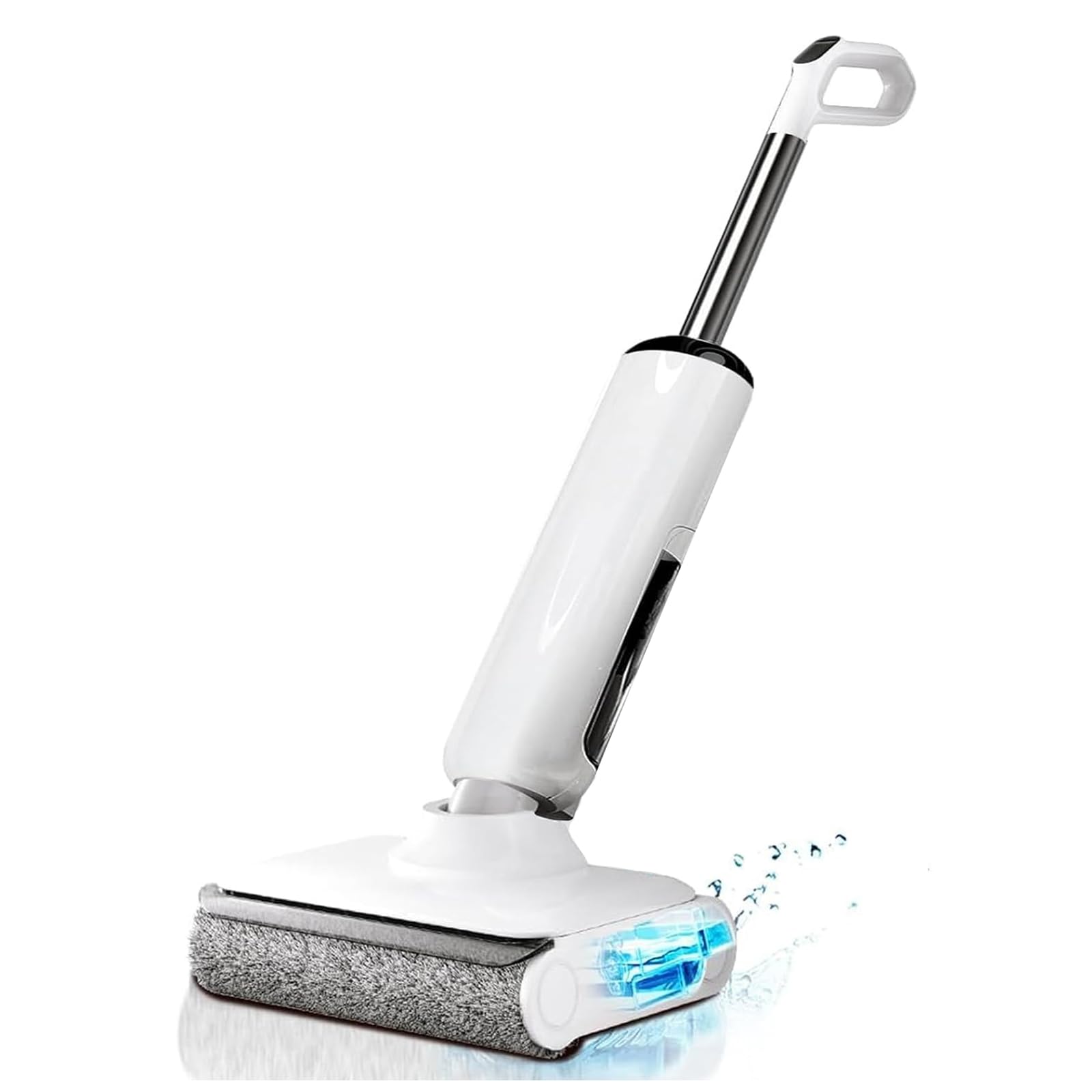
Wet Dry Vacuum Cleaner, 180° Lay-Flat Cordless Vacuum Mop Combo with Edge Cleaning, All-in-One Floor
- High-quality product
- Customer favorite
- Best value option
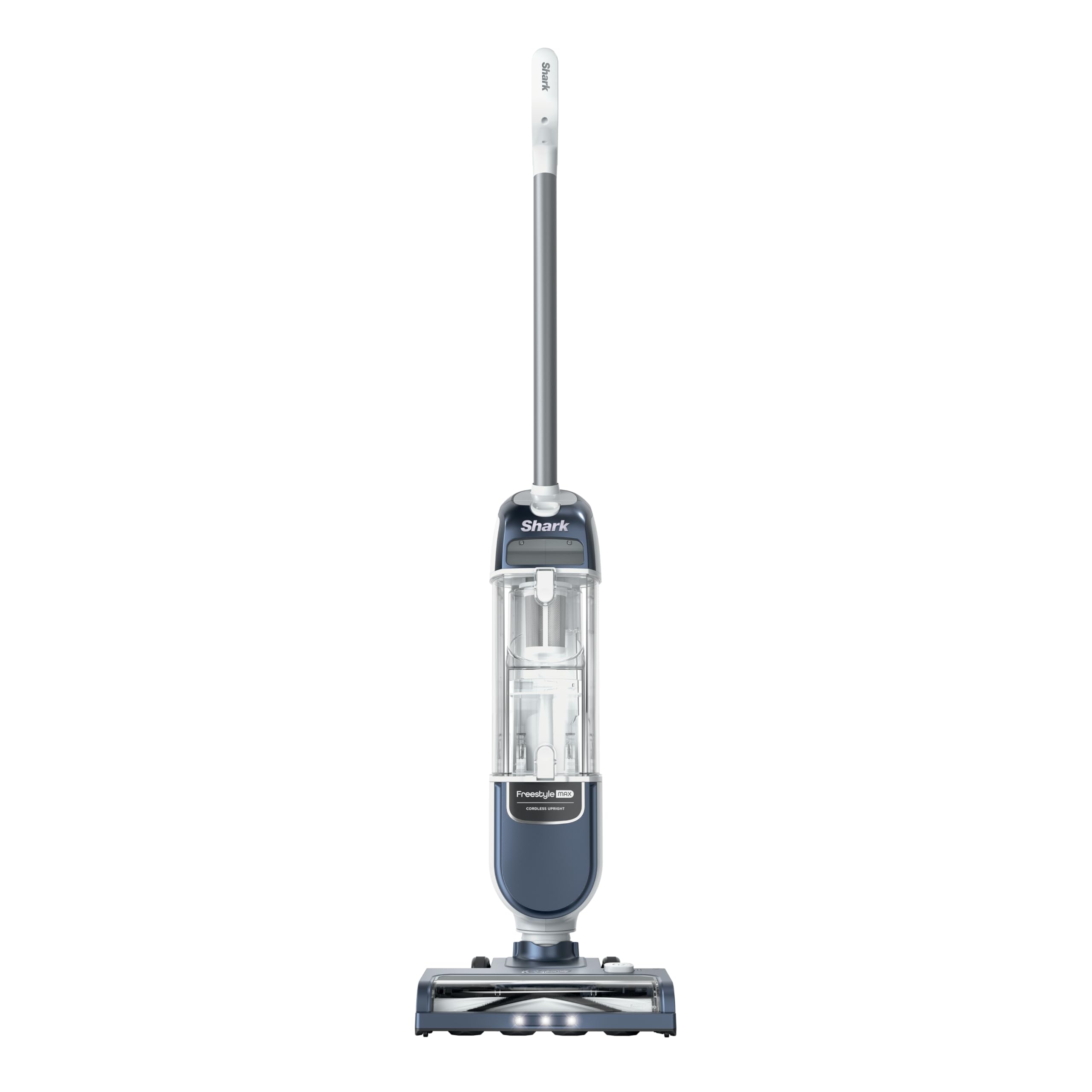
Shark Freestyle Max Cordless Upright Vacuum, Multi-Surface Cleaning, Lightweight, Easy Maintenance,
- High-quality product
- Customer favorite
- Best value option
Expert Hacks & Advanced Maintenance
Once you have mastered the basic troubleshooting, you can apply these advanced "hacks" used by vacuum specialists to ensure your Shark never fails again.
The "Dryer Sheet" Static Hack
Shark vacuums generate significant static electricity, especially in dry winter months. This static can occasionally interfere with the control board of digital models (like the IQ or Vertex). To mitigate this, ensure the "cyclone" part of your dust cup is wiped down with an anti-static dryer sheet once a month. This reduces the "cling" of dust and prevents static discharge into the handle electronics.
Multimeter Testing the Power Cord
If your shark vacuum not turning on persists, you can use a multimeter to test for a "hidden break." Set your multimeter to the Continuity setting (the one that beeps). Place one probe on one prong of the wall plug and the other on the corresponding wire inside the vacuum (this requires removing the back cover). If it doesn't beep while you wiggle the cord, you have an internal fracture. Replacing a cord is significantly cheaper than replacing the vacuum.
Brush Roll "Jam" Feedback
On many Shark models, if the brush roll is severely jammed, the vacuum will refuse to turn on the suction motor as well. This is a linked safety circuit. Flip the vacuum over and ensure the brush roll spins freely by hand. If it is locked tight with hair or string, the "Nozzle Motor" sends a "Lock" signal to the "Main Motor," preventing the unit from starting.
Mega FAQ: Expert Answers to Your Shark Power Issues
1. Why is the light on my Shark vacuum red and it won’t start?
A solid red light usually indicates a brush roll jam. A flashing red light often indicates a thermal overheat or a battery error in cordless models. If it's red, the vacuum has power but is "locking out" for safety.
2. Can I reset my Shark vacuum by pressing a button?
Unlike a GFCI outlet, Shark vacuums do not have a physical "reset" button. The reset is performed by unplugging the unit for 60 minutes to allow the thermal switch to reset itself.
3. How do I know if the motor is actually burned out?
If the vacuum smells like burning plastic or ozone and won't turn on, the motor windings may have failed. However, if there is no smell and no sound, it is likely an electrical or thermal issue, not a dead motor.
4. My cordless Shark won't turn on even when fully charged. What now?
Try "rebooting" the battery. Remove the battery from the vacuum and the charger. Leave it for 10 minutes. Re-insert it into the vacuum and hold the power button for 15 seconds. This can sometimes clear a BMS software glitch.
5. Does the Shark vacuum have a fuse that can blow?
Most Shark vacuums do not have a user-serviceable fuse. They use thermal resistors and circuit board breakers. If an internal component "blows," it usually requires a control board replacement.
6. Why does my Shark vacuum turn off after 5 minutes of use?
This is a classic sign of a "clog-induced overheat." The motor is getting enough air to start but not enough to stay cool. Check your HEPA filter and the hose for a partial blockage.
7. Can a dirty filter really stop the vacuum from turning on?
Indirectly, yes. If a filter is so dirty that it tripped the thermal switch, the vacuum will not turn back on until the switch cools down and the airflow is restored.
8. What if the outlet is fine but the vacuum still has no power?
Test the vacuum on a different circuit in your house (e.g., move from the bedroom to the kitchen). Sometimes a vacuum pulls enough Amps to "soft-trip" a sensitive AFCI breaker without fully flipping it.
9. Is it worth fixing a Shark vacuum that won't start?
If the vacuum is less than 5 years old, absolutely. Most "won't start" issues are related to clogs or thermal resets which cost $0 to fix.
10. How often should I replace Shark filters to prevent power issues?
Foam filters should be washed monthly and replaced every 6 months. HEPA filters should be replaced once a year. This keeps the motor cool and prevents thermal shutdowns.
11. Can a faulty handle switch be repaired?
Yes, the handle switches can often be cleaned with contact cleaner. If the plastic housing is cracked, you can often find replacement handle assemblies online.
12. Why does my Shark start only when I wiggle the cord?
This indicates a "broken lead" inside the power cord. For safety, stop using the vacuum immediately. The arching inside the cord can cause a fire. The cord needs to be replaced.
Closing Thoughts
A shark vacuum not turning on is a challenge, but it is rarely a terminal diagnosis. By understanding that your vacuum is a system of interconnected safety protocols, you can move from frustration to a successful repair. Most often, the "60-minute reset" combined with a deep cleaning of the filters and a thorough check for clogs will solve the issue.
Remember, the key to longevity with any Shark model is airflow. A vacuum that breathes easily is a vacuum that stays cool, and a cool motor is one that will turn on every single time you press that button. Treat your Shark with the maintenance it deserves, and it will continue to be the powerful cleaning ally your home needs. If you've followed this guide and your machine is still silent, it may be time to consult a professional or look into a replacement, but in 90% of cases, the steps outlined above will bring your Shark back from the dead.